Filter change date planned filter change Filter type used
Please record the filter changes made below:
Filter Change
Cleaning
Wipe the interior screen and cover frame with a dry, soft cloth when required.
Filter change and cleaning must not be carried out by children and persons not able to execute
such work due to their physical, sensory or mental capacity, or due to their inexperience or lack of
skills.
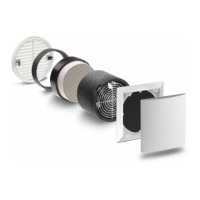
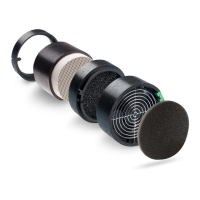
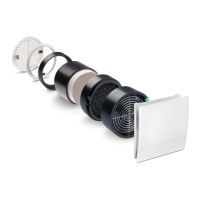
Additional / Spare parts
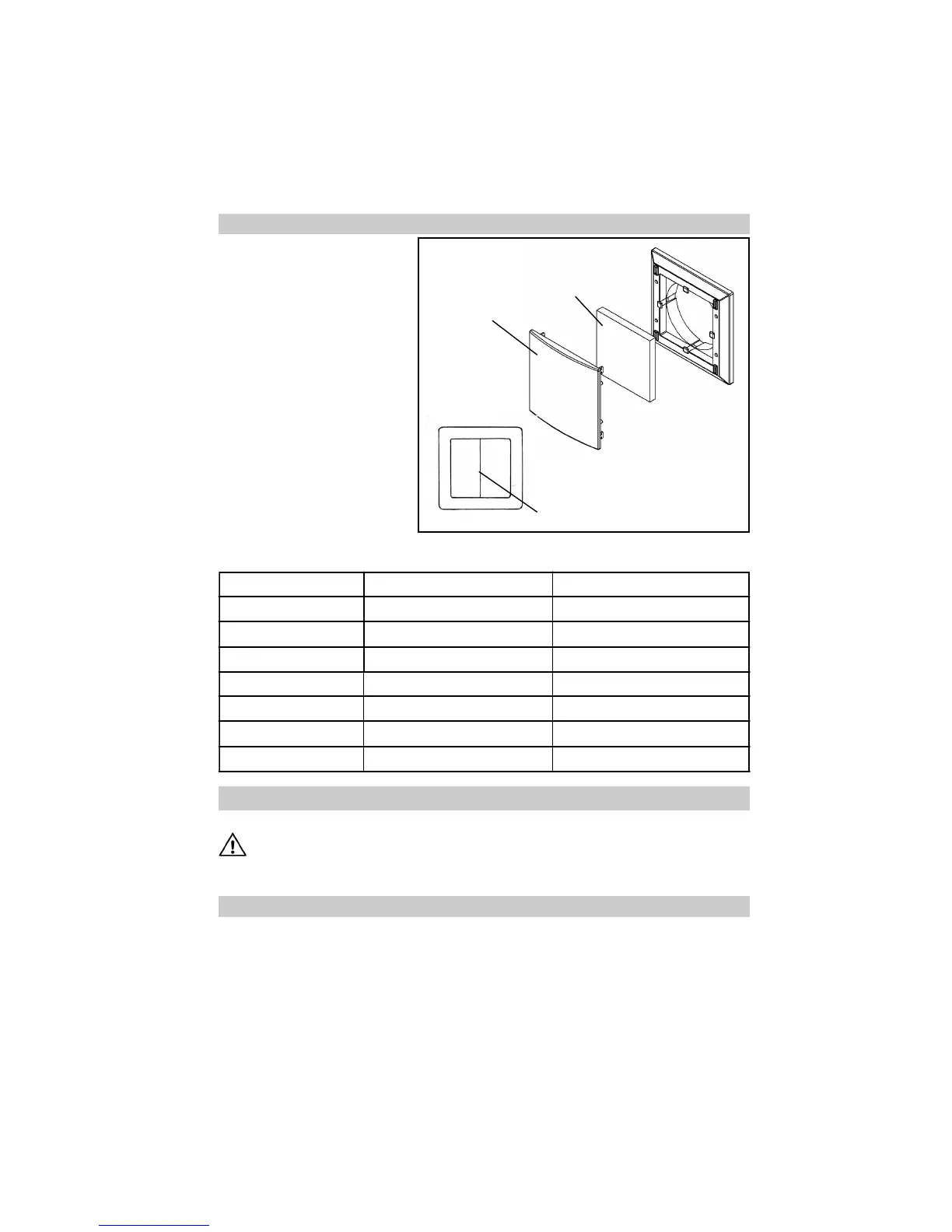
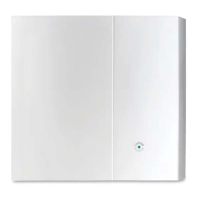
The filter change display indicates
when a filter is dirty. In connection
with the universal control, a red
LED lights up continuously beneath
the switch.
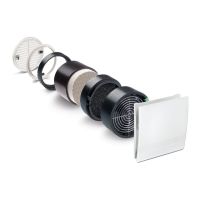
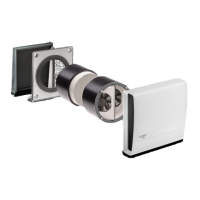
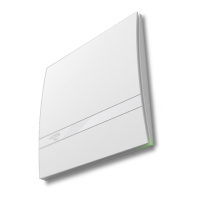
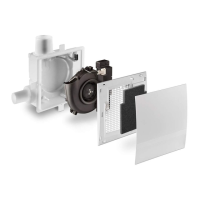
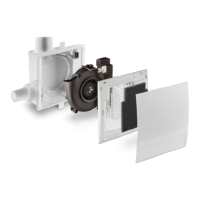
Remove the design screen, re-
move the filter, install the new or
cleaned filter (cleaning of the filter
can be executed e.g. in the dish-
washer), put the design screen
back on.
The vents must not be obstructed
or covered.
Reset the filter change display by
rocking the rocker switch W1 once.
Functionality of the filter change
display in connection with the TAC
and LUNOS-KNX control is de-
scribed in the respective instruc-
tions.
I III II
LED lights up beneath switch
Design screen
Filter
Replacement filter Filter Class G3; pack of 3 Type 9/FB3R Order No.: 037 176


 To Next Page