6. BATTERY REPLACEMENT
1)When the LCD display show " " ,
it is necessary to replace the battery. However, in-spec
measurement may still be made for several hours after
Low Battery Indicator appears before the instruments
instrument become inaccurate.
2)To replace the battery, rotate and remove the
" Battery Cover " ( 3-1, Fig. 1 ), take out the old
batteries, install new batteries :
DC 1.5V battery ( UM-4/AAA ) x 4 PCs.
3)When install the batteries, should make attention
the battery polarity.
4)After install the batteries, reinstall the battery cover
again.
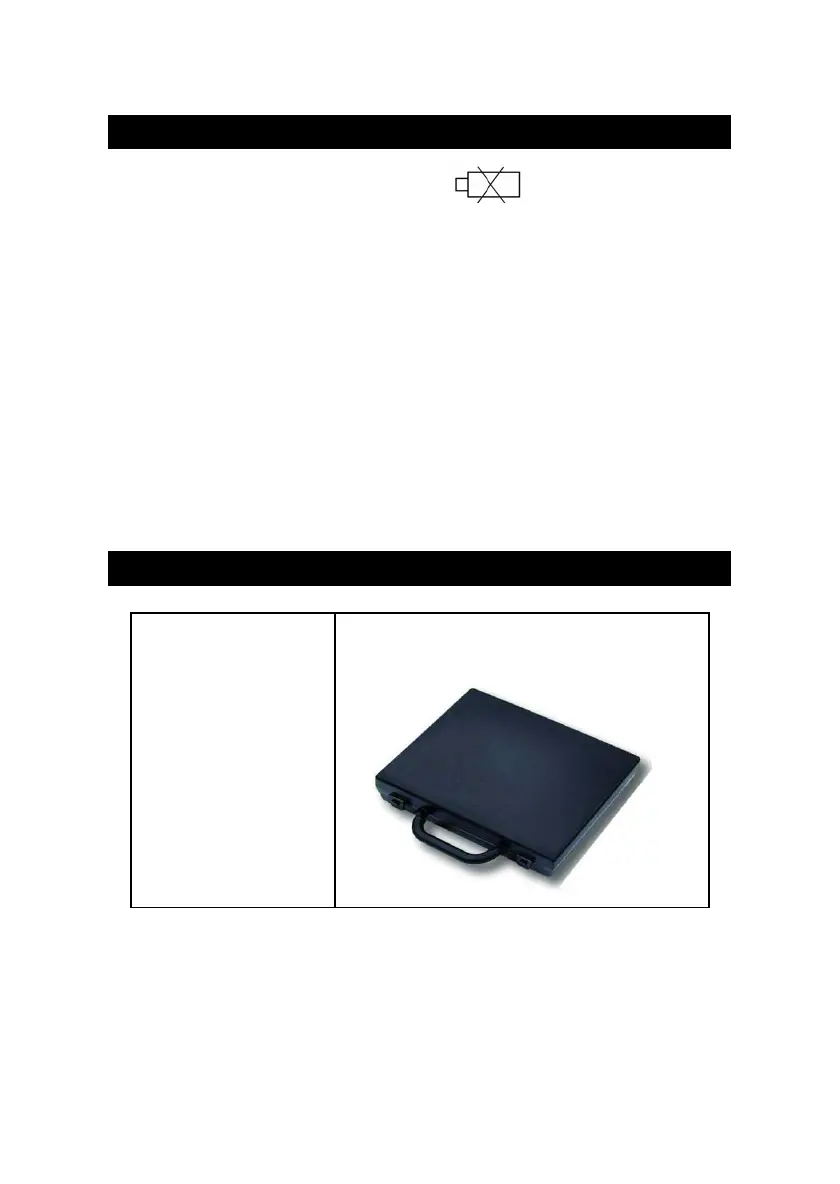
7. OPTIONAL CARRYING CASE
Carrying case Hard carrying case.
CA-06 ( 280 x 195 x 65 mm )
11
0701-PDO519












 To Previous Page