EasyManua.ls Logo

Luvion SUPREME CONNECT - User Manual

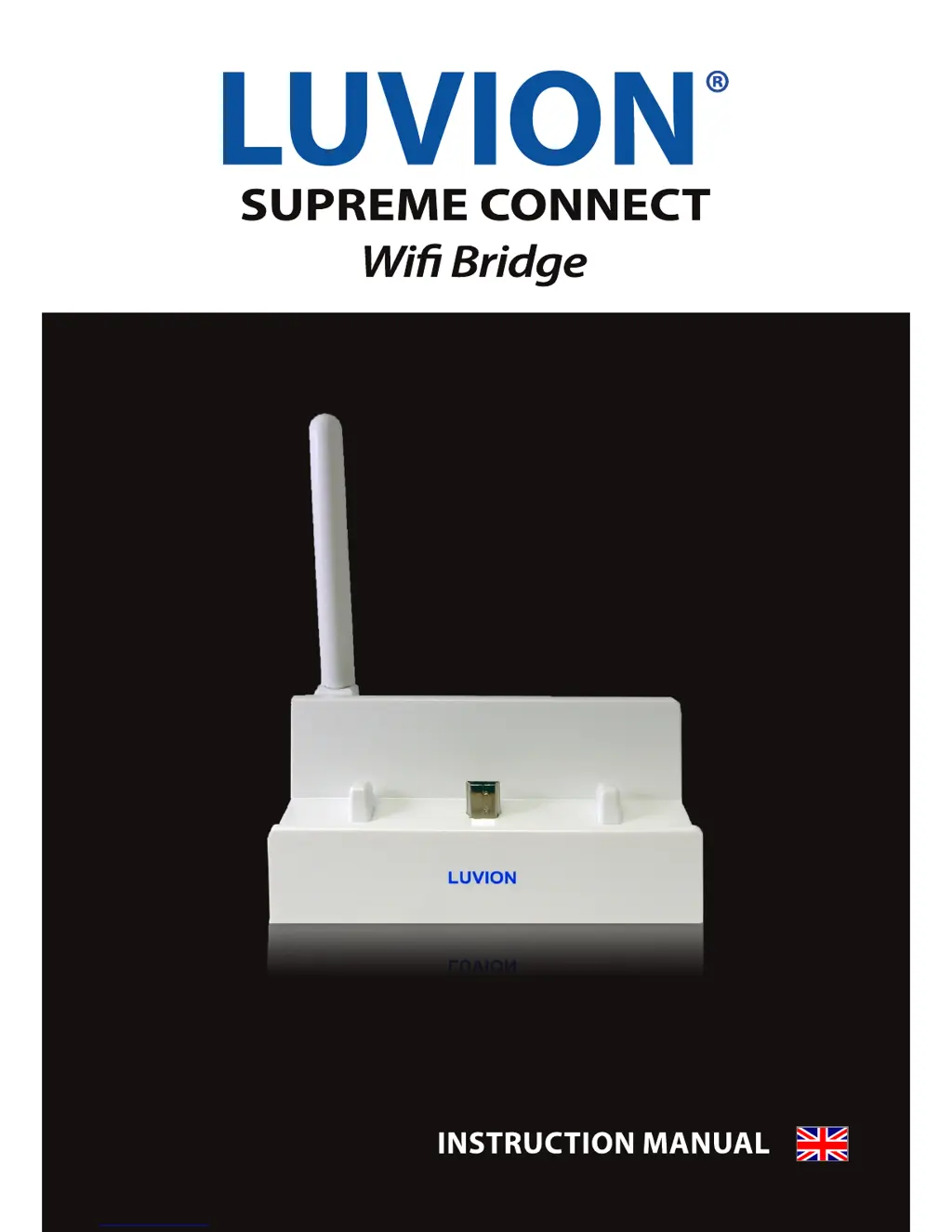
Luvion SUPREME CONNECT
20 pages
Print Icon
To Next Page IconTo Next Page
Loading...

Questions and Answers

Summary

Introduction

Safety Instructions

Contents of Package

Overview Bridge

Compatible Mobile Platforms

Important to Know

Getting Started

iPhone;iPad Ethernet Setup

Using Live View (iPhone;iPad)

Zooming in Live View (iPhone;iPad)

How to zoom in/out of live camera feeds on iPhone/iPad Luvion app.

Viewing and Sharing Snapshots (iPhone;iPad)

Changing the Bridge Password (iPhone;iPad)

Changing the Video Quality (iPhone;iPad)

Android Ethernet Setup

Using Live View Android

Zooming in Live View (Android)

How to zoom in/out of live camera feeds on Android Luvion app.

Viewing and Sharing Snapshots (Android)

Changing the Bridge Password (Android)

Changing the Video Quality (Android)

Technical Specifications

Troubleshooting

Luvion SUPREME CONNECT Specifications

General IconGeneral
CertificationFCC/CE
Maximum range300 m
Smartphone supportYes
Transmitting power15 dBmW
Number of lullabies4
Product colorSilver
Housing materialPlastic
Compatible memory cardsMicroSD (TransFlash)
LED typeIR
Sensor typeCMOS
White balanceAuto
Video resolutions640 x 480 pixels
Optical sensor size1/6 \
Night vision distance5 m
Display diagonal4.3 \
Power consumption600 mA
Power source typeAC, Battery
Battery technologyLithium
InterfaceFHSS
Frequency band2.400 - 2.483 GHz
Operating temperature (T-T)-10 - 40 °C
Infra-red wavelength850 nm

Related product manuals