EasyManua.ls Logo

Luvion prestige touch 2 - User Manual

Luvion prestige touch 2
102 pages
Go to English
Print Icon
To Next Page IconTo Next Page
Loading...
1
LUVION
Premium Baby products
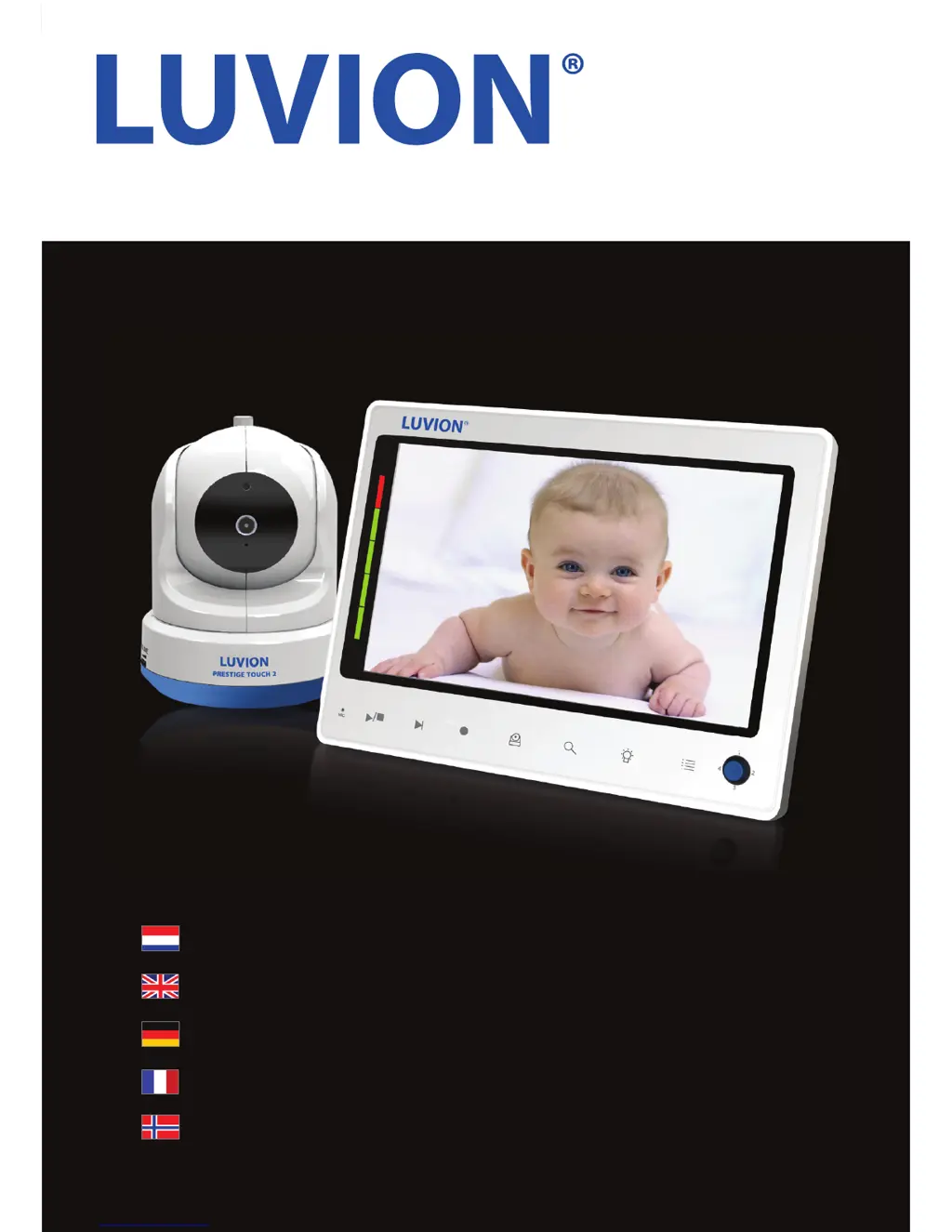
PRESTIGE TOUCH 2
HANDLEIDING
INSTRUCTION MANUAL
BENUTZERHANDBUCH
MANUAL D’INSTRUCTIONS
BRUKSANVISNING

Questions and Answers

  • B
    Brittany HernandezJul 27, 2025
    What to do if Luvion prestige touch 2 video is dropping?
    • R
      Robert CookJul 27, 2025
      If the video signal is constantly dropping, or you're seeing a 'Buiten Bereik' message on your Luvion Baby Monitor, try these steps: * Move the baby unit closer to the parent unit. * Reposition both the baby and parent units, keeping them away from walls to improve reception. * Ensure the parent unit's antenna is in the upright position. * Try re-pairing the parent unit with the baby unit. Consult the pairing chapter for instructions.
  • E
    Elizabeth CamposAug 3, 2025
    How to fix choppy video on Luvion Baby Monitor?
    • C
      Christopher ButlerAug 3, 2025
      If the video on your Luvion Baby Monitor appears choppy, it might be due to a lower frame rate. Here’s what you can do: * Try moving the baby unit closer to the parent unit. * Remove any obstructions that might be between the baby and parent units. * Make sure the antenna of the parent unit is in the upright position.
  • H
    hbowmanAug 11, 2025
    What to do if Luvion prestige touch 2 has audio problems?
    • K
      Kristina JosephAug 11, 2025
      If you're experiencing audio issues with your Luvion Baby Monitor: * First, check that the volume on the parent unit isn't muted. Increase the volume by pressing the + button. * Make sure there is sound within range of the baby unit's microphone. * If you hear a loud, screeching noise, move the baby and parent units further apart.
  • P
    pughdonnaAug 18, 2025
    What to do if Luvion prestige touch 2 Baby Monitor screen is frozen?
    • J
      Jason Smith DDSAug 18, 2025
      If the screen of your Luvion Baby Monitor is frozen and the on/off button isn't working, use the reset button located on the back of the parent unit to switch it off. Then, use the on/off button to turn it back on.

Summary

Introduction and Safety

Safety Instructions

Essential safety precautions for using the baby monitor to ensure safe operation.

Product Overviews

Parent Unit Overview

Detailed identification of the front and back components of the parent unit monitor.

Baby Unit Overview

Detailed identification of the front and back components of the baby unit camera.

Getting Started and Setup

Installing the Parent Unit

Step-by-step instructions for unpacking and charging the parent unit.

Installing the Baby Unit

Guidance on positioning and connecting the baby unit camera.

System Usage and Warnings

Pairing Procedure

Pairing Process Steps

Detailed step-by-step guide to pair the baby unit with the parent unit.

Troubleshooting Common Issues

Technical Specifications

Luvion prestige touch 2 Specifications

General IconGeneral
LullabiesYes
Pan range-90 - 90 °
ModulationFHSS, GFSK
Maximum range300 m
Smartphone support-
Digital zoom2 x
Night vision distance5 m
Power source typeAC, Battery
Display diagonal7 \
Product colorWhite
Compatible memory cardsSD
InterfaceWi-Fi

Related product manuals