Premium Baby products
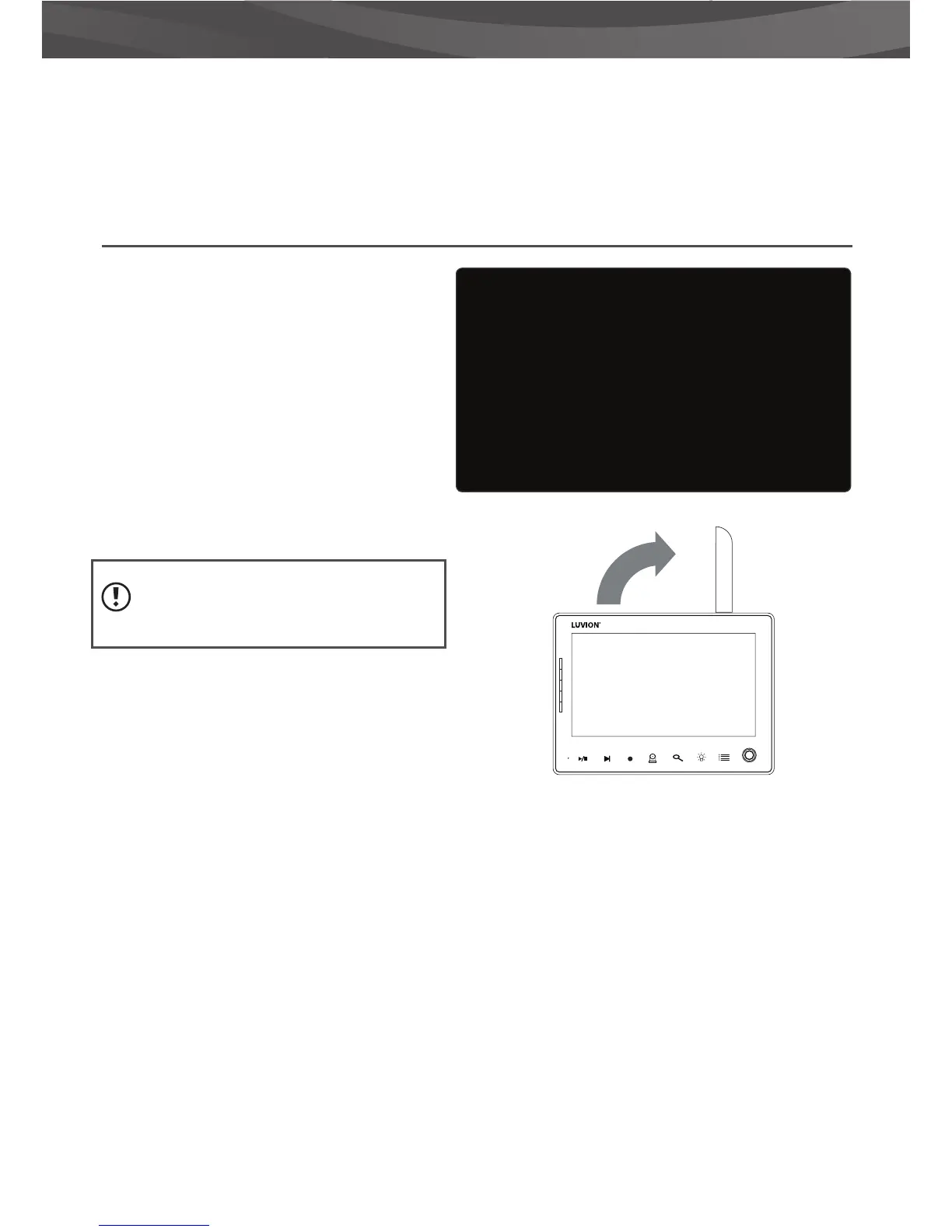
OUT OF RANGE WARNING
When the baby unit is positioned too far away
from the parent unit, the warning message “Out
of Range” will appear on the screen of the parent
unit and the video will start to icker. When
there is no connection between the baby and
the parent unit, the screen of the parent unit will
be black and display the warning message “Out
of Range”.
To improve the range of the baby monitor, move
the antenna of the baby monitor upwards.
If moving the baby and parent unit
closer together does not help, try pairing the
baby and parent unit. see Pairing chapter.
MIC
1
24
3
14. Sequence indicator This icon will appear when the monitor will automaticaly switch between the
di erent channels.
OUT OF RANGE















 To Next Page