Operating Instructions
TABLE OF CONTENTS
Everyday Use
1. Adjusting Temperature .................................................................................3
2. Adjusting System Mode and Fan Mode ..................................................4
3. Adjusting and Setting Schedules .............................................................. 5
4. Adjusting Relative Humidity Set-Point ...................................................7
Custom Settings
5. Network ..............................................................................................................8
6. Display .................................................................................................................8
7. System .................................................................................................................9
8. Humidification / De-Humidification ....................................................... 10
9. About-Device / About-Network ............................................................. 13
10. LCD Display Icon Reference ...................................................................... 14
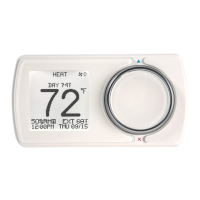
Smart thermostat
with Humidification/De-humidification control
Enter/Confirm
Back/Cancel
Scroll
Right = Increase
Left = Decrease

 Need help?
 General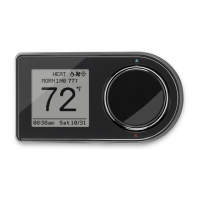


 To Next Page