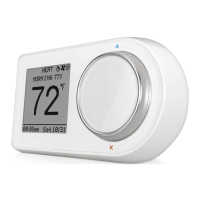
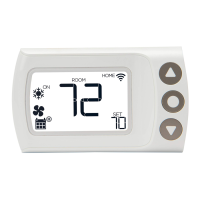
Troubleshooting the Display
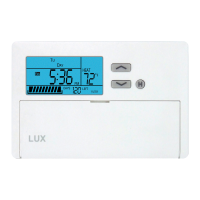
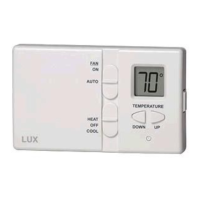
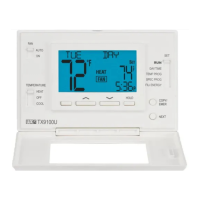
Problems that may be identified from the display of your programmable thermostat are
listed here with suggested resolutions.
For more detailed information please refer to the instructions that came with your
thermostat.
Peel protective plastic label from display.
Display blurred and unreadable
Peel protective plastic label from display.
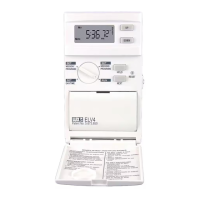
Press the small round inset RESET button behind
the door of your unit using a small Philips screw
driver. Reconfigure and reprogram.
Time alternates with room temp
This is normal operation which can not be changed.
Replace units batteries with fresh AA size
Duracell® or Energizer® alkaline batteries. Be sure
that they are installed with their polarity (+ and -)
correct.
Clean battery contacts with a pencil eraser and pry
out the spring contact slightly to insure a clean, firm
connection.
Press RESET using a small Philips screw driver.
Then reconfigure and reprogram.
Displays "LO BATT",
"REPLACE", or battery symbol
Replace thermostat batteries with fresh AA size
Duracell® or Energizer® alkaline batteries. Be sure
that they are installed with their polarity (+ and -)
correct.
Clean battery contacts with a pencil eraser and pry
out the spring contact slightly to insure a clean, firm
connection.
Displays wrong room
temperature
See Temperature Regulation
Displays wrong day or time
Rotate the Speed Dial® to SET DAY/TIME. The day
will flash, use UP key to correct day. Press NEXT.
The time will flash. Use UP and DOWN keys to go
to correct time. Rotate dial back to RUN.
Press RESET using a small Philips screw driver.
Reconfigure and reprogram.
"OL" means Out of Limits. The sensor is reading
outside the thermostats room temperature display
limit of 32°F to 95°F. When the temperature returns


 To Next Page