ADDITIONAL ACTIONS
21
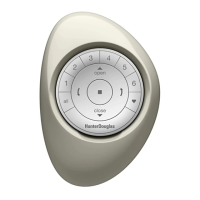
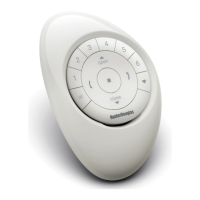
INSTALL A SCENE CONTROLLER
The Scene Controller works in combination with the App and
can activate scenes which are created in the App.
1
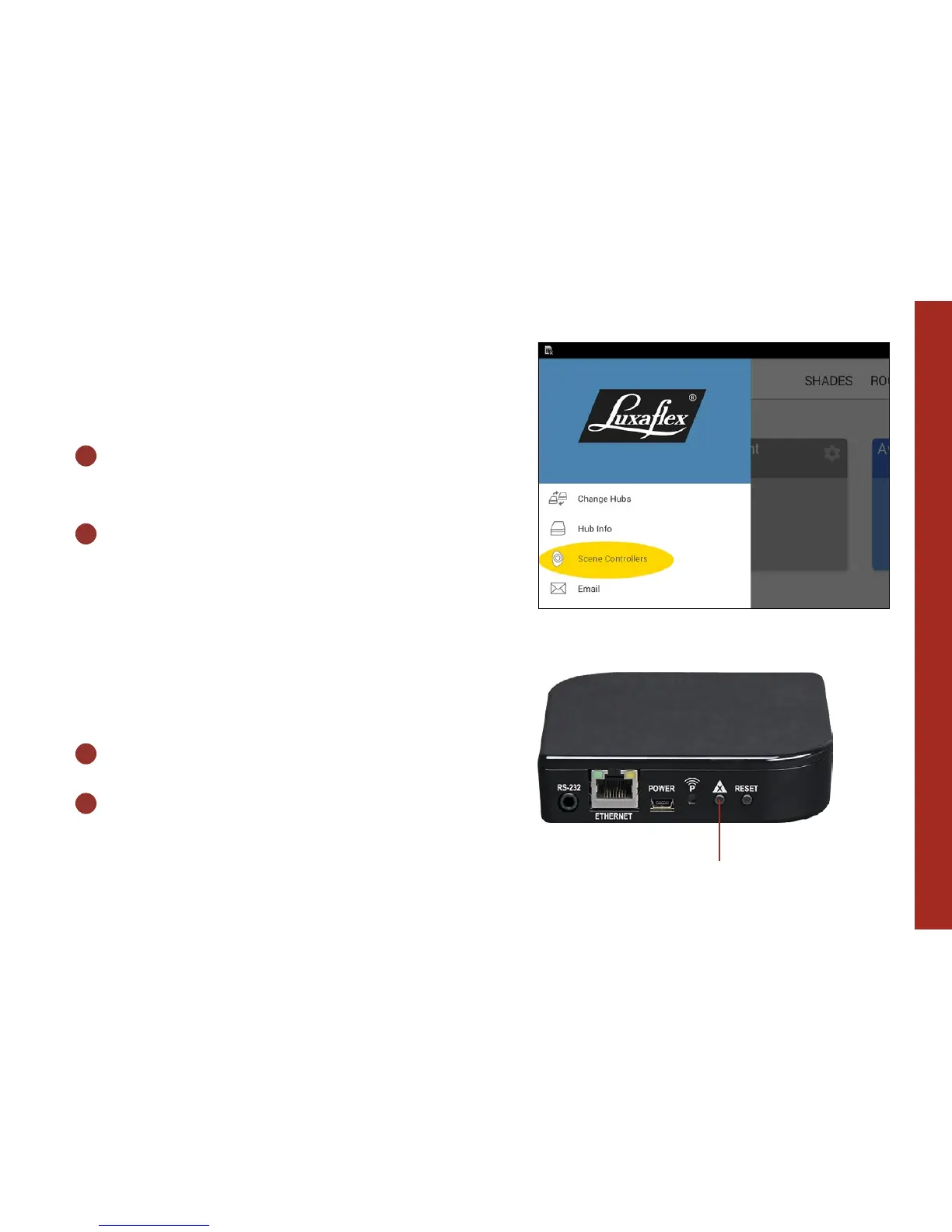
START THE APP AND OPEN
THE MENU
2
SELECT SCENE CONTROLLERS AND
FOLLOW THE INSTRUCTIONS IN
THE APP
ERASE HUB DATA
Find the following button on the back of the hub.
1
PRESS DATA ERASE FOR 6 SECONDS
2
WAIT FOR THE HUB TO START
FLASHING RED AND BLUE
All data on the hub is now cleared.
Data erase



 To Next Page
 Loading...