P16MI417 - A02 - 01/16 5
|
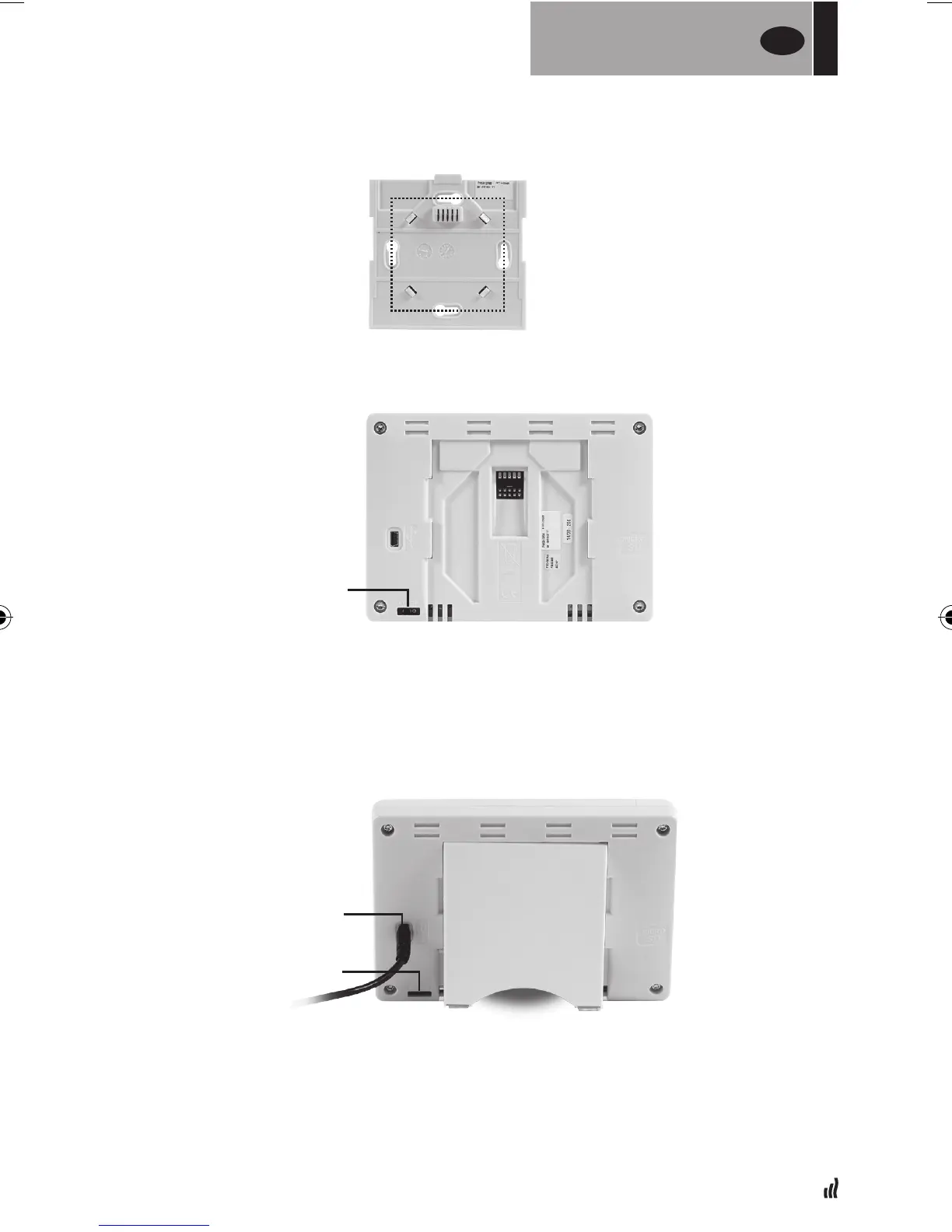
• Screw the power supply on to the wall.
NOTE: The tab must be located at the top.
• Put the switch into the ON position by using a small pin
• Connect the mini USB cable and charger to the Touch E3.
• Mount the Touch E3 onto the bracket by sliding it down until it stops.
• Put the switch into the ON position by using a small pin
• The Touch E3 is now ready for use.
• Mount the Touch E3 on the power supply and slide it down until it stops.
• The Touch E3 is now ready for use.
04. Table installation
60 MM
ON / OFF
ON / OFF
CABLE
FOR
THE INSTALLER
UK


 To Next Page