|
16 P16MI417 - A02 - 01/16
D
Languagesetting.Theagofthecurrentlanguageisdisplayed.
E
Mode menu
• Use this menu to set all radiators in the house to the same mode.
• Press button
n
until desired mode appears (An “empty button” means that
different zones could be in different modes).
• Press the “Green check” button. It will take a few minutes before all units
have received the new information.
F
User settings
• In this menu, it is possible to set
- Date and time
- Summer -Winter time settings
- Temperature and time units.
- Background Colour
- Buttons colour
- Backlight
- Screen
- Reset User settings to factory settings.
G
WiFi.
• If button is grey, wait until it is coloured. Press the button and you may read
the IP-address when the unit is connected to the internet via a WiFi-router and
the units MAC address. When you pair the Touch E3 to a server, you should
type password you receive by mail in “internet access password”.
See also “WiFi settings” section, page 21.
H
Holiday mode
•Denetimeanddateofdeparture
FOR
USERS
UK
n
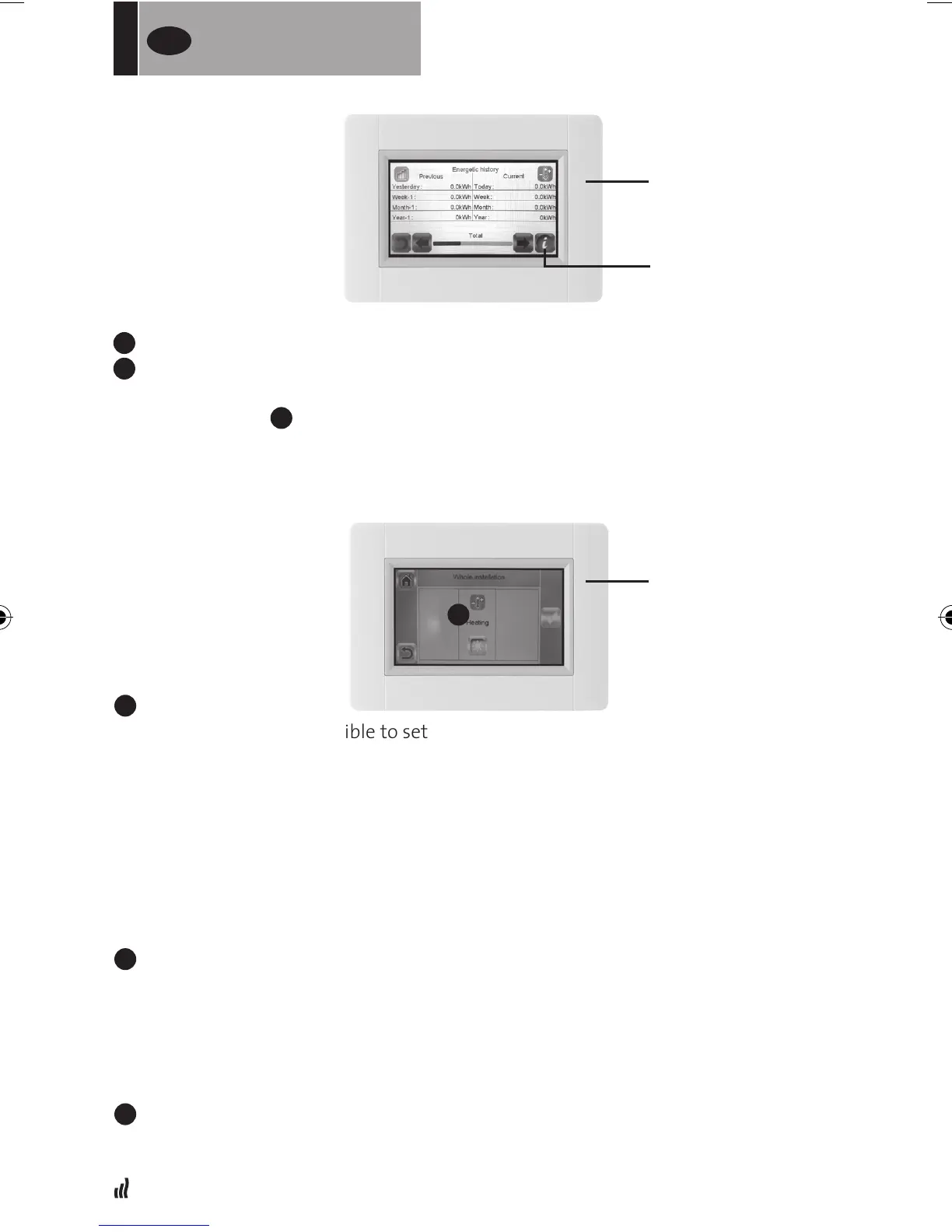
MODE MENU
INFORMATION
CONSUMPTION
STATISTICS MENU


 To Next Page