Installation
Installation
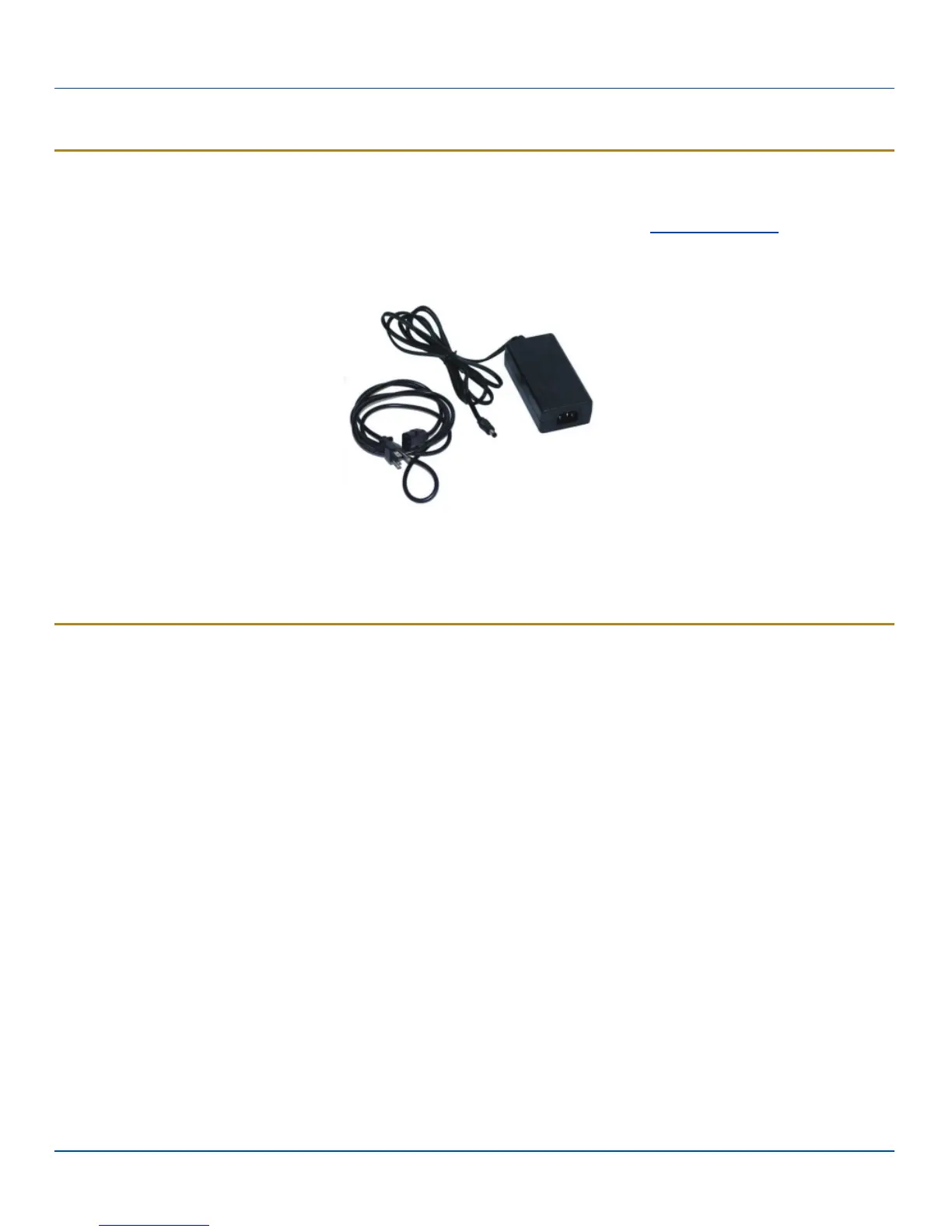
Assemble the Power Supply
Assemble the AC adapter for the MX7 Tecton Battery Multi-charger before connecting it to the charger.
The AC power supply for the multi-charger is shipped with the multi-charger. Contact your LXE representative if there is no AC
cable.
The multi-charger power supply is intended for use with the multi-charger only.
l Plug the 3-prong cable into an AC wall outlet.
l Firmly press the female end of the power cable into the male connector on the AC power adapter. An LED on the power
adapter illuminates when AC power is available.
l AC power is now being applied to the power adapter.
Setup
Prerequisite: The AC Adapter is assembled and receiving AC power.
The charger should be located in an area where it:
l Is well ventilated.
l Is not in high traffic areas.
l Locates or orients the AC cord so that it will not be stepped on, tripped over or subjected to damage or stress.
l Has enough clearance to allow easy access to the power port on the back of the device.
l Is protected from rain, dust, direct sunlight or inclement weather.
This device is intended for indoor use only and requires an indoor AC power source. The charger is not approved for use in
Hazardous Locations.
Place the multi-charger on a flat, horizontal, hard surface or fasten securely to stable surface using the keyhole openings on the
bottom of the multi-charger.
Do not insert battery packs until the charger has finished powering up:
l Insert the power connector into the power outlet at the back of the charger.
l AC power is now being applied to the charger and it begins to power up.
l Charge bay LEDs flash while the charger enters and exits the startup check.
l When the charge bay LEDs are not illuminated, the battery charger is ready for use.
E-EQ-MX7TCHGROG-A [ 5 ] MX7 Tecton™ Battery Charger User Guide



 To Next Page