4544
Emulate and edit all the functions of B.Be-Emulate and edit all the functions of B.Be-
at Manager to manage backing tracks wi-at Manager to manage backing tracks wi-
thout connecting B.Beat to the computer. thout connecting B.Beat to the computer.
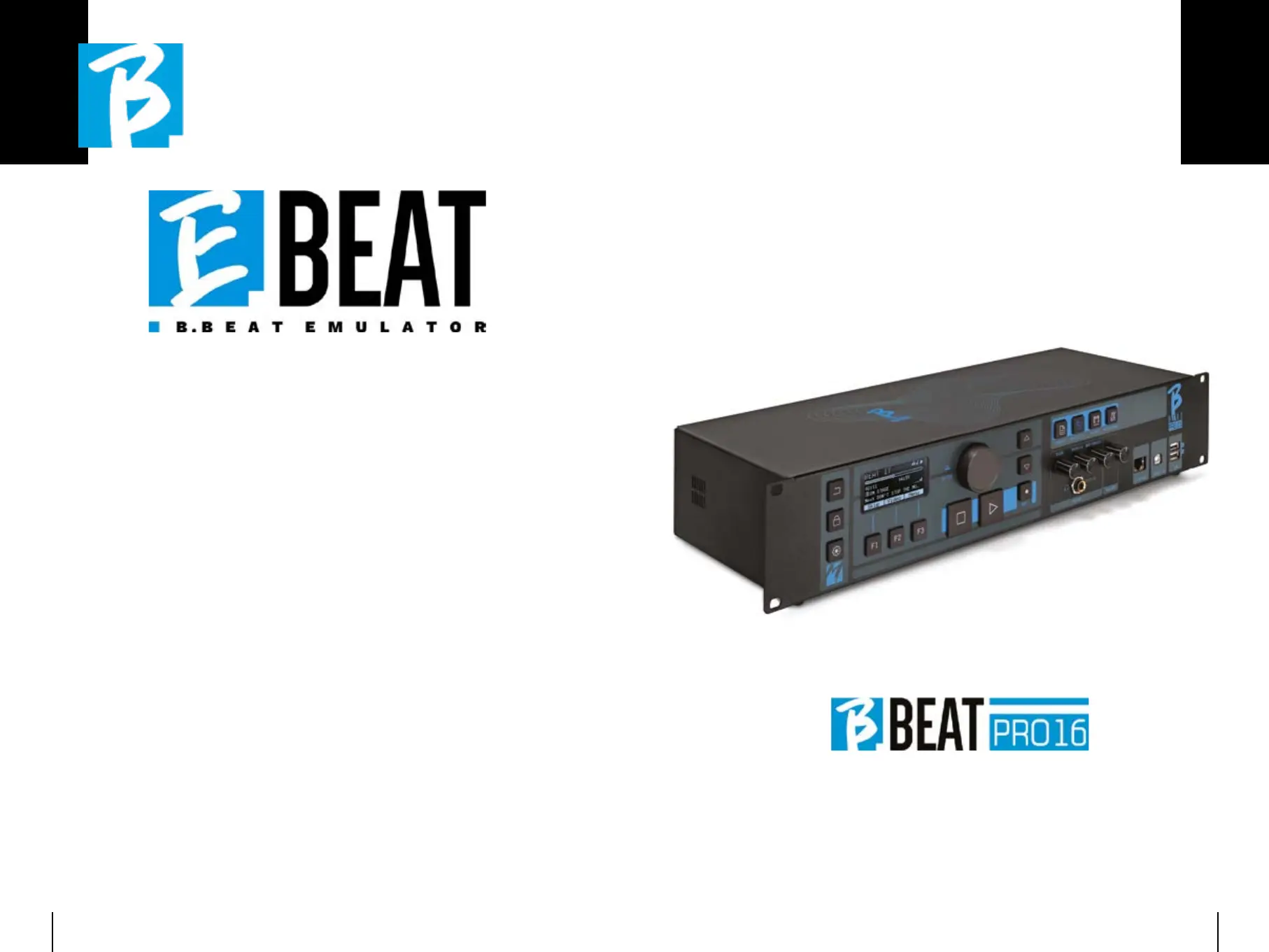
E.Beat is a software that allows you to
‘emulate’ a B.Beat via PC or Mac. With E.
Beat, you can work on your Backing Tracks
repertoire without connecting to B.Beat:
you can prepare all your music at home or
while touring with your band.
Once you have finished your editing work
on the PC via E.Beat simply download
everything to a USB Pen that you will then
use to ‘update’ the physical machine.
1.1. Wherever you want and as much as
you want with E-Beat you edit your
performance modifying all parame-
ters
2.2. Save your show, playlists and audio
projects on the USB stick
3.3. Get on stage and update B.Beat
with just the USB stick, no need to
connect it to your PC
IMPORTANT:IMPORTANT: to use E.Beat you need to
update the B.Beat Manager app to version
4.0 or higher.
With E.Beat you can edit your Audio
projects: change volumes, assign tracks,
define Audio routing. Perform all editing
operations on your backing tracks. Com-
bine Midi and video tracks to make your
show unique. Upload sheet music and
lyrics and synchronise them to the au-
dio track, you can upload sheet music of
several instruments to a single backing
track. Organise your performances by cre-
ating complete Playlists and Shows down
to the last detail.
For more information and to download
E.Beat visit www.songservice.it / www.www.songservice.it / www.
song-service.com / www.song-service.desong-service.com / www.song-service.de



 To Next Page