09
Taking pictures
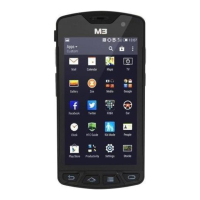
• Run the Camera program.
• Tab the Capture button to take a picture.
Taking videos
• Run the Camera program.
• Tab the Video Mode button to take a video.
CAMERA
※ Warning
It may cause signicant damages to your eyes if you directly look the
ash attached at camera module.
Connecting with the NFC Device
• Open a Web page or the screen of a video, photo, or contact.
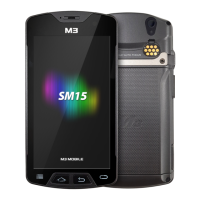
• Place the back part of the NFC device toward the back of the M3 SM10.
Connecting to the NFC Chip / Tag Card
• Hold the M3 SM10 as shown below. Do not cover the antenna area of the
• Place the M3 SM10 near the NFC chip or tag card until the data transfer is
• Touch the screen. Data transfer would then start.
completed. (Generally, data is displayed in the application.)
DATA CAPTURE
NFC
battery cover with your hands.


 To Next Page