03
•
Button
•
Home Screen
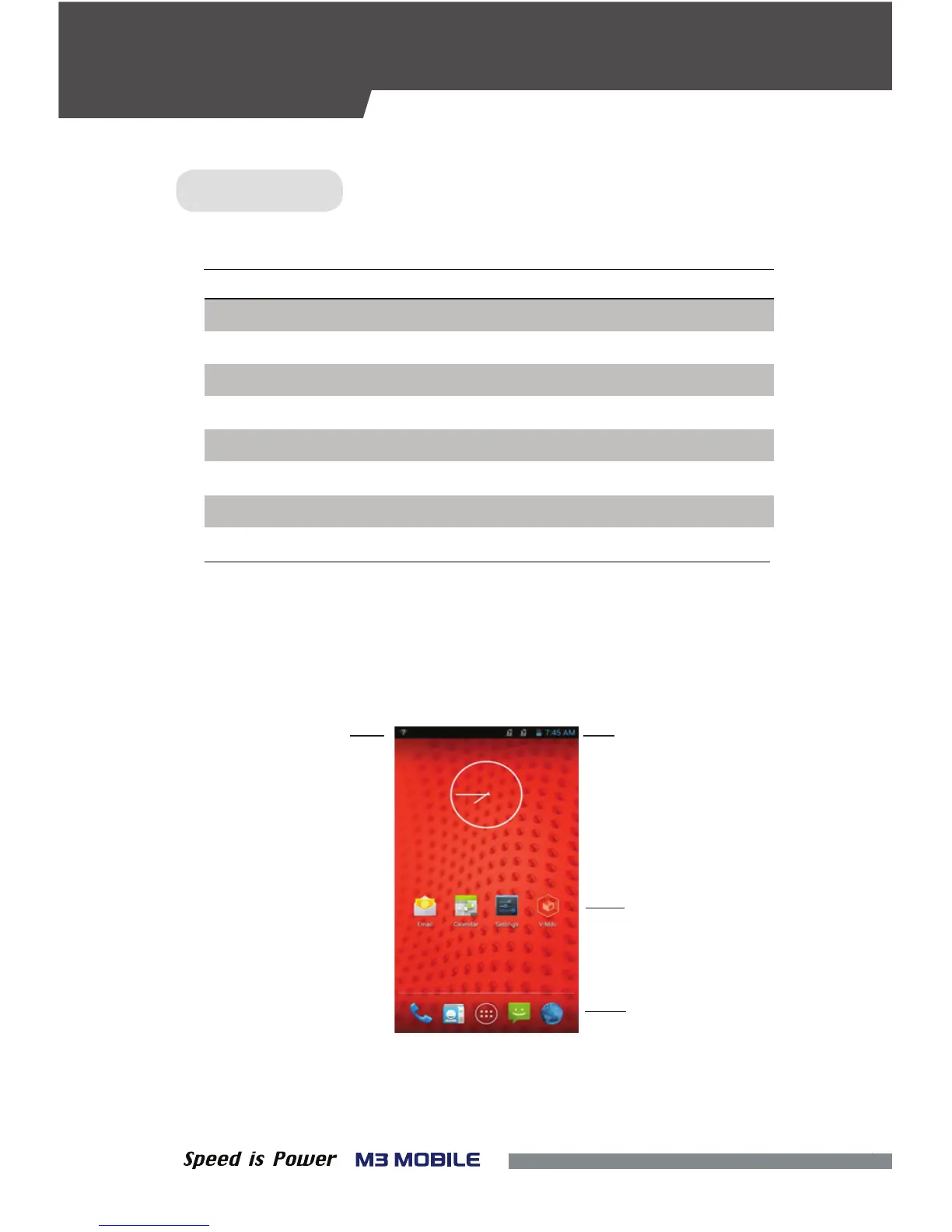
If the device is turned on, the following screen will be displayed.
The screen is divided into four sections as follows:
Status BarNotication Bar
Home Screen
Dock Bar
DescriptionButton
Scanner Operate the scanner while executing the scanner program.
Volume High Increase the volume.
Volume Low Decrease the volume.
Camera Take pictures while executing the camera program.
Back Return to the previous stage.
Home Go to the Home screen.
Menu Display the menu.
Execute the work set to the button.Action
FEATURES
KEYPAD


 To Next Page