Using this manual
20
2.4 Data input
2.4.1 Stylus pen
Click on the target icon with stylus pen.
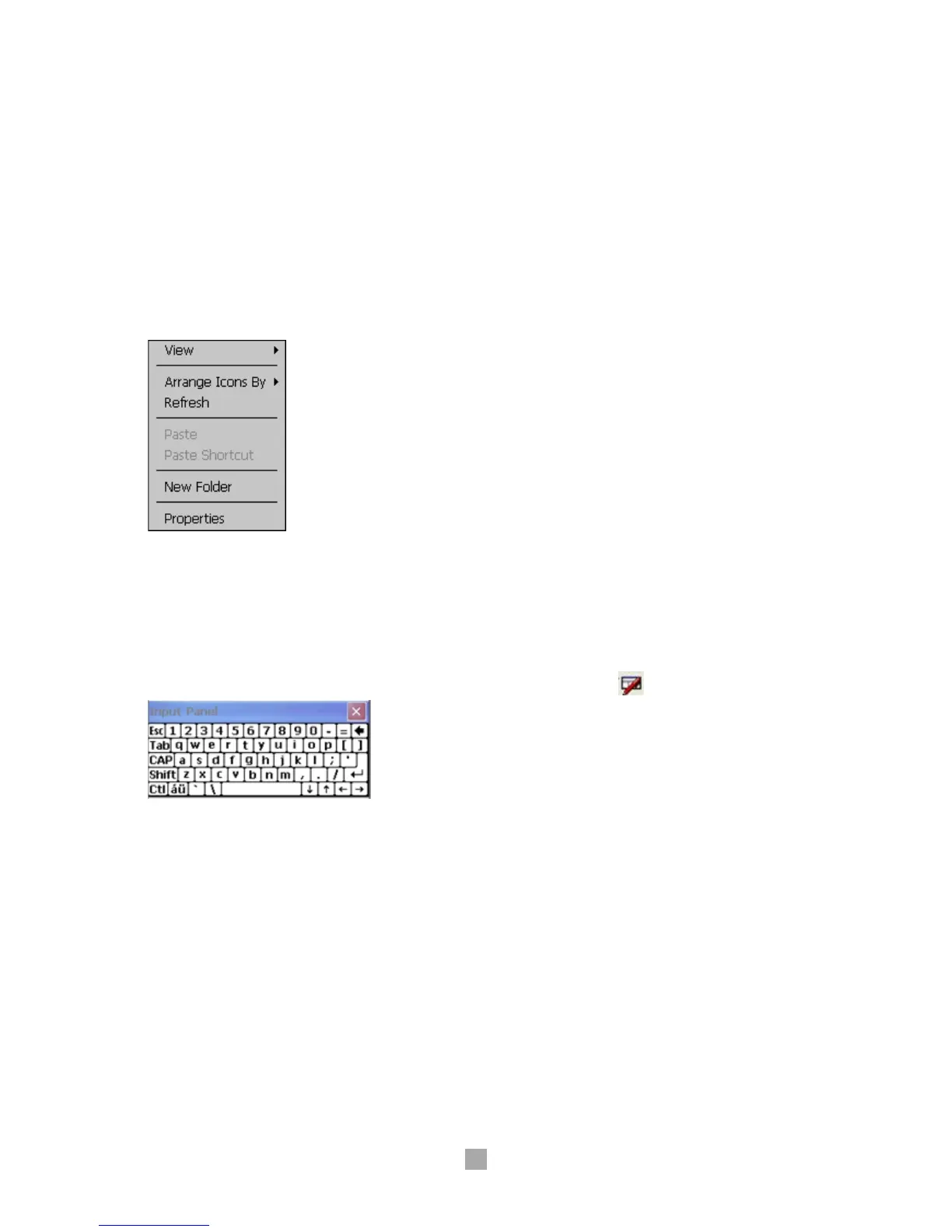
Performing selecting menu
Double-click on the icon to perform, with Stylus pen.Long
press on touch screen allows user to selection onparticular
functions - cut, copy, delete, etc.
Selecting several contents
Drag several icons to choose and/or set block.
2.4.2 Keyboard
Physical keys Press the keypads on the device.
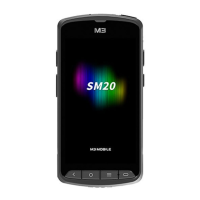
Soft input panel (SIP) Click on keyboard icon at the menu bar ( ).
Transcriber Hand writing recognition.
To enable transcriber, click on the up arrow when SIP is shown. When an SIP menu pops up
select Transcriber.‘Transcriber Intro’ window will be show up and click ‘Don’t show this’, if this
information is no longer needed.



 To Next Page