73
TIMER OFF
ECO
TIMER ON
LED
CLOCK
QUIET
AUTO
MODE
My
Temp
SLEEP
TURBO
AUTO
MODE
My
Temp
SLEEP
TURBO
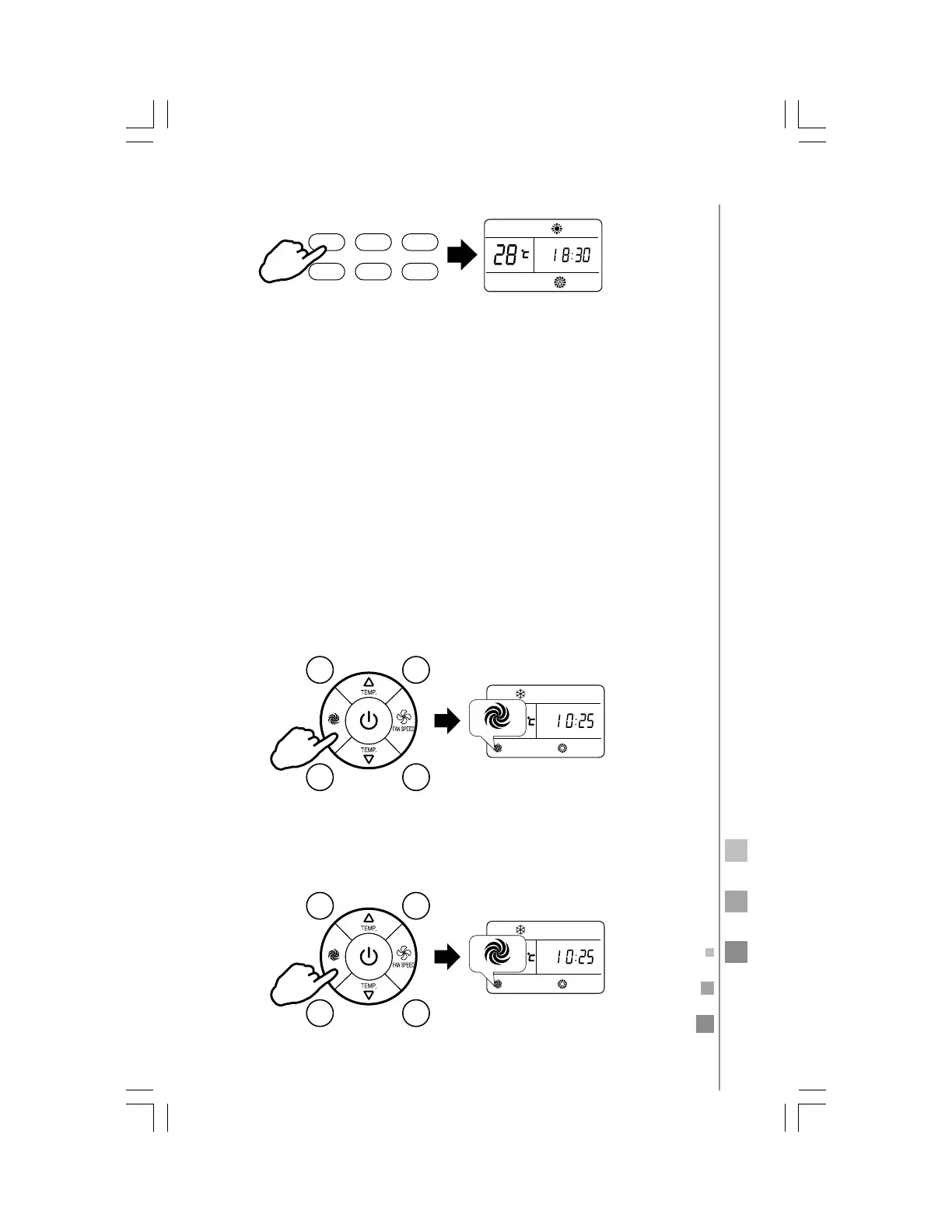
3. Press again the CLOCK pad. The entered time is set.
TURBO mode
The TURBO mode is used to start or stop fast cooling or heating
(only on some models). In this mode, the TURBO indicator will ap-
pear on the LCD display.
The TURBO mode can be set when the appliance is in operation or
energized.
During the TURBO mode, you can set temperature, airflow direction
and timer.
set the TURBO mode
Press the TURBO pad during the COOLING, DRY or FAN ONLY modes.
At HIGH fan speed, the temperature is automatically set to 16°C
(61°F).
Press the TURBO pad during the HEAT mode (only on some models).
At AUTOMATIC fan speed, the temperature is automatically set to
30°C (86°F).



 To Next Page