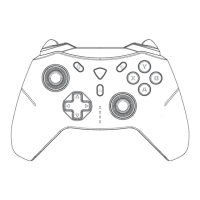
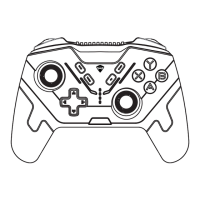
When the controller is unresponsive or unable to identify the working
mode during operation or access, you can pull out the USB cable of th
-e controller and reconnect it, or use the manual mode to select into t
-he corresponding working mode. If the problem still can not be solve
-d, please long press the HOME button for 10 seconds or check the co
-mpatibility of the operating system and equipment with the controll
-er, if still can not be solved, please contact the dealer customer servi
-ce.
PlayStation is a registered trademark of Sony Interac
tive Entertainment (SIE).
XBOX/Windows is a registered trademark of Mirosof
Corporation.
Android is a trademark of Google nc.
Nintendo Switch is a registered trademark of Nintendo
Co.
Macos is a registered trademark of Apple Inc. in the Un
-ited States or other countries.
Other system and product names that appear in this do
-cument are generally registered trademarks or tradem
-arks of the respective developer companies. Please no
-te that the ™logo and ® logos do not appear in this doc
-ument.
Please consult customer service or the brand's website for updates
to the product firmware without notice.
RESET
Copyright Information


 To Next Page