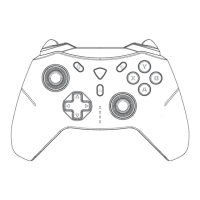
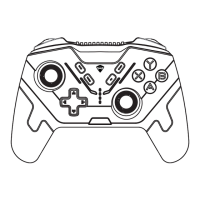
TURBO Function
Customisable Profile
Supported TURBO Buttons: A/B/X/Y/Up/Down/Left/Right/L1/L2/R1/R2
Manual TURBO function: When the manual TURBO function of A button is
enabled, A button needs to be manually pressed to trigger the function.
Enable TURBO function: Press and hold FN+A and then release it. At this
time, the A button is enabled with manual continuous firing function. Pre
-ss FN+A again to enable the automatic continuous firing function of A. Pr
-ess FN+A again to turn off the continuous firing function.
Note: FN+A/B/X/Y can enable the TURBO function of A/B/X/Y. The TURBO
function of other buttons can be set in the PC driver.
The G5 PRO controller can store up to 4 personalised profiles. You can
customise your controller on the G5 PRO exclusive PC driver or the c
ontroller itself .
Press the FN+HOME Button to cycle through 4 personalised profiles,
accompanied by indicator lights and colors changes.
For more customized functions, please contact customer service
or go to the MACHENIKE official website to download the PC driver:
https://global.machenike.com/
EXPANDED FEATURES


 To Next Page