The G5 PRO has a multi-key wake-up function. Before wireless con
-nection, please select the corresponding device mode:
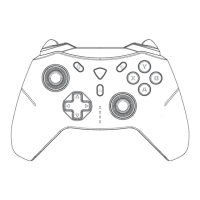
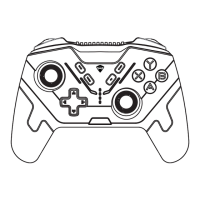
2.4G mode - device name: MACHENIKE G5Pro; 1# indicator light flashes.
PC/iOS mode - device name: Xbox Wireless Controller; 2# indicator light flashes.
Switch mode - device name: Pro Controller; 3# indicator light flashes.
Android mode - device name: MACHENIKE G5Pro; 4# indicator light flashes.
Enter Pairing Mode : Press and hold the Home button for 3 seconds in the off
state. When the indicator light flashes quickly, it enters pairing mode. Connect to the
corresponding device name mentioned above to complete pairing.
Switch Pairing Device : press and hold the Home button for 5 seconds to turn
off the controller. Then select the corresponding mode for the device and press and
hold the Home button for 3 seconds to enter pairing mode and re-pair.
Wired Connection:Use the included USB cable to connect the device and it will
automatically match the mode for connection.
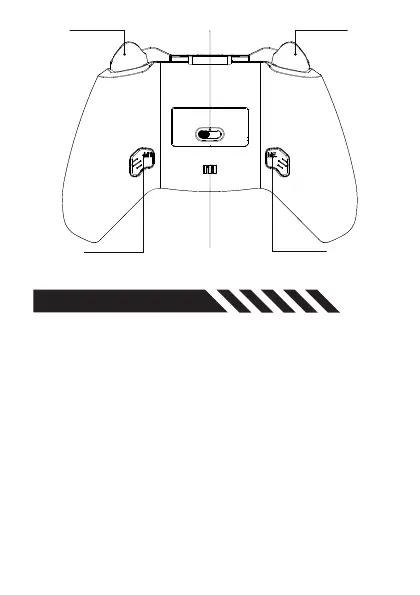
Connection Mode (Platform)
Toggle Switch
Charging Contacts
M1
Programmable Button
M2
Programmable Button
M3
Programmable Button
(Trigger Marco)
M4
Programmable Button
(Trigger Marco)
CONNECTION


 To Next Page