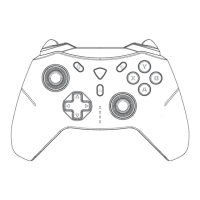
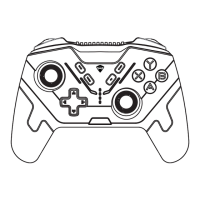
Wired Connection Steps:
4.Select "Xbox Wireless Controller" from the list of Bluetooth devices, and
after successful pairing, the #2 indicator light will stay on for 2 seconds
and then show the battery level.
5.When not in use, the controller can be turned off by long-pressing the
Home button, or it will automatically turn off after 5 minutes of inactivity.
6.The controller has Bluetooth memory function and can be awakened by
short-pressing the Home/LB/RB button and automatically reconnecting
to the computer when used again.
1. In the power-off state, connect the controller to the computer with a data
cable, and it can be used directly.


 To Next Page