PC Mode - Wireless mode on PC
Wireless Connection Steps:
The Windows operating system recommends using this controller in
PC mode, which is also compatible with Switch mode.
1.Turn the back mode switch to the PC position while the controller is tur
-ned off.
2.Press and hold the front Home button for about 3 seconds until the #2
indicator light flashes, indicating that the controller is in pairing mode.
3.In the Windows system, open Settings, click on Bluetooth & other devi
-ces, then click on Add Bluetooth or other devices.
PC mode is widely used for AAA games and the latest games.
Switch mode, which is the Switch Pro, can access gyroscope functionality
on Windows operating systems via Steam. The specific usage experience
and compatibility depend on the different game adaptations.
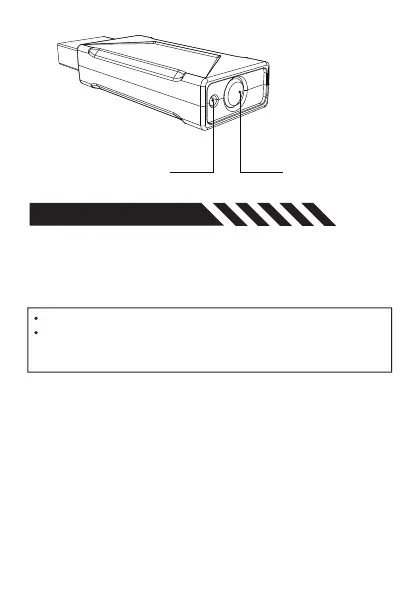
Tail SwitchStatus Indicator
COMPATIBILITY


 To Next Page