COMPATIBILITY
Xinput mode is widely used in 3A games and latest games of Microsoft and
Steam platform.
S mode is Switch Pro, It can operate in Windows system, switch on gyroscope
function through Steam. The use experience and compatibility depend on
the adaptation of different.
Xinput Mode-Windows 8/10/11
Connection - Wireless Connection
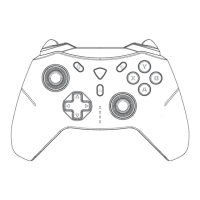
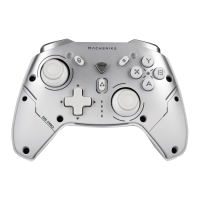
1. When the controller is turned off, drag the “game mode switch slider” to
the X gear.
Windows operating system compatible with Xinput mode and S mode.
Connection - Wired Connection
When the power is off, directly connect the computer or mobile phone with
the data cable.
2. Press and hold the Home button for 3 seconds, until the 1# indicator
flashes, that means the device enter to pairing mode.
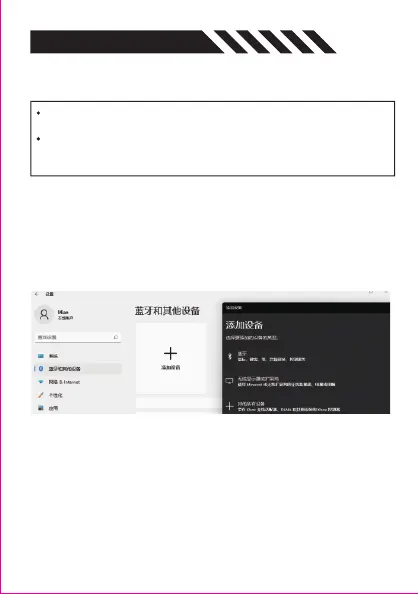
3. Turn on Settings in Windows OS - Bluetooth and other devices - Add
device- Bluetooth.
4. Select "Xbox Wireless Controller" in the searched Bluetooth devices, and
the controller indicator light on means the connection is successful.
5. When you do not use it please press and hold the Home button to turn it
off, or it will automatically turn off after 10 minutes.
6. The gamepad has Bluetooth memory function. When the next time you
use it, you can wake up the controller by press the Home/LB+RB button for 1
second, it will automatically connect to the computer.


 To Next Page