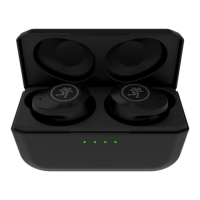
MP-20TWS True Wireless Dual-Driver Earbuds with Active Noise Cancelling
6
MP-20TWS True Wireless Dual-Driver Earbuds with Active Noise Cancelling
MP-20TWS Features continued...
• Factory Reset: With the case open, press
and hold the case button down for ten seconds
– with the earbuds in the case – to factory reset
them. LEDs and 3 will illuminate and flash
quickly to indicate success.
• BT Pairing Mode: Earbud LEDs flash blue and red.
• BT Connected: Earbud LEDs are o.
4. Lef Earbud
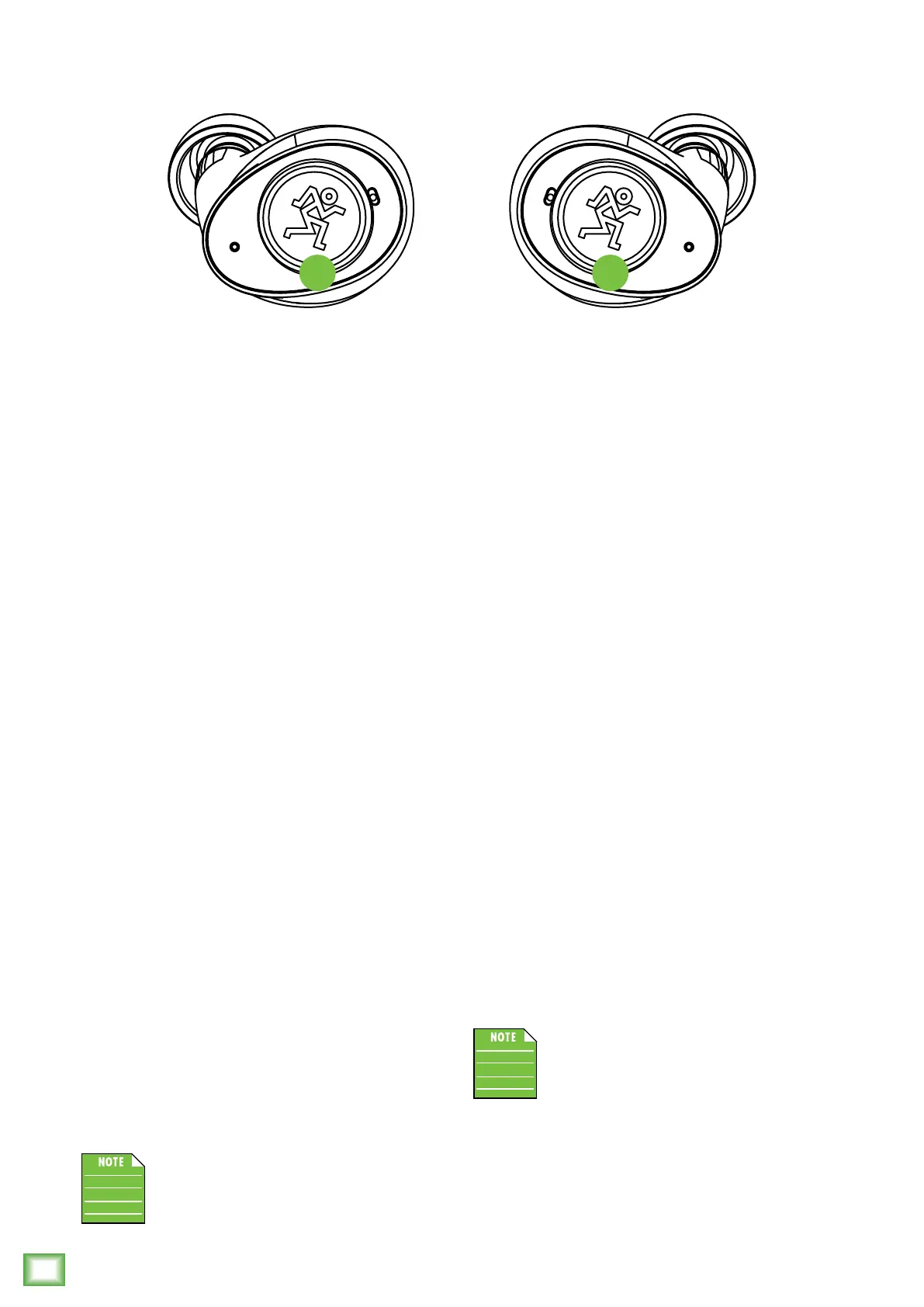
The inside of the lef earbud is for listening,
but the outside opens a world of possibilities.
Here you are able to tap and/or hold the lef earbud
to power ambient mode on/o, go to the previous
track, turn the volume down and more.
There are illustrations on the following page,
but the features are listed below, as well:
• 1x Taps: Tapping the lef side of the earbud
once quickly will turn ambient mode on or o.
• 2x Taps: Tapping the lef side of the earbud
twice quickly will play the previous track.
• 3x Taps: Tapping the lef side of the earbud
thrice will cycle through the noise cancelling
modes – ANC On, Wind Reduction Mode,
and ANC O.
• Hold: Tapping (and holding) the lef side
of the earbud down will lower the volume.
• 10 Second Hold: Tapping (and holding) the lef
side of the earbud down for 0 seconds will
reset the lef earbud.
• Macarena: Once you have memorized
the MP-20TWS commands, it’s time
to learn (and dance) the Macarena.
Illustrations on page 9.
There is nothing to touch, tap or hold if the
battery is running out of juice. You will be
told, “battery is low, please charge” over
and over again until, well, you charge them.
5. Right Earbud
The inside of the right earbud is for listening,
but the outside opens a world of possibilities.
Here you are able to tap and/or hold the right earbud
to play/pause, answer the phone, go to the next track,
end/ignore phone calls, turn the volume up and more.
There are illustrations on the following page,
but the features are listed below, as well:
• 1x Taps: Tapping the right side of the earbud
once quickly will result in the music pausing/
playing. This is also the way to answer phone calls.
• 2x Taps: Tapping the right side of the earbud twice
quickly will play the next track. This is also the way
to end (and ignore) phone calls.
• 3x Taps: Tapping the right side of the earbud thrice
quickly will result in the voice assistant making
an appearance. MP-20TWS earbuds are compatible
with both Siri and Google Assistant.
• Hold: Tapping (and holding) the right side
of the earbud down will raise the volume.
• 10 Second Hold: Tapping (and holding) the right
side of the earbud down for 0 seconds will
reset the right earbud.
• Macarena: Once you have memorized
the MP-20TWS commands, it’s time
to learn (and dance) the Macarena.
Illustrations on page 9.
There is nothing to touch, tap or hold if
the battery is running out of juice. You will
be told, “battery is low, please charge” over
and over again until, well, you charge them.
LEFT RIGHT
4 5


 To Next Page