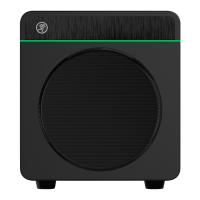
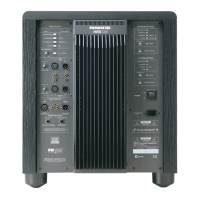
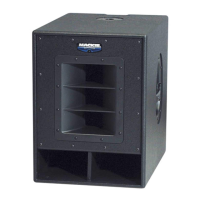
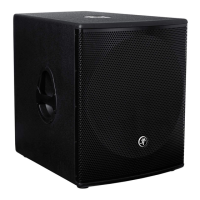
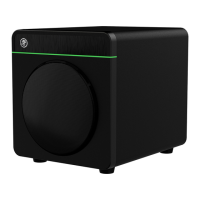
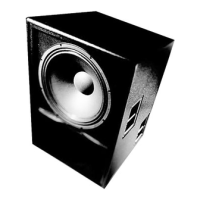
Thump18S Powered Subwoofer
6
Thump18S Powered Subwoofer
DJ System
O
N
Y
X
M
I
C
P
R
E
LR
2 1
MONITOR OUT
BAL/UNBAL
USB
BAL/UNBAL
O
N
Y
X
M
I
C
P
R
E
Hookup Diagrams continued...
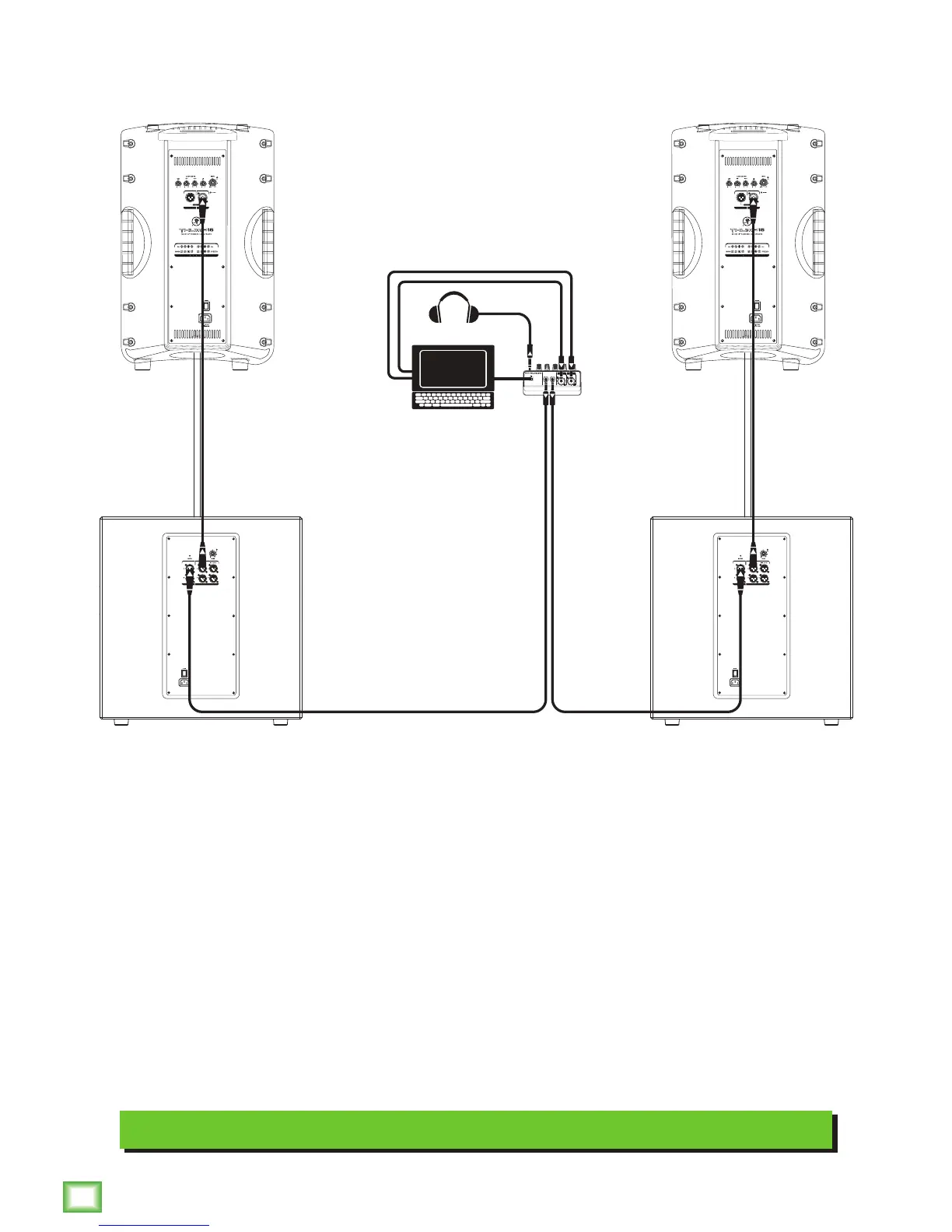
Perhaps you’re a DJ playing bumpin’ tunes in the middle of the night to a crowd that’s groovin’
and dancin’ to your fine selection.
In this example, a laptop is connected to the channel 1 and 2 inputs of an Onyx Blackjack and a set of
headphones are connected to the phones jack.
The L/R monitor outputs of the Onyx Blackjack are connected directly to the channel A inputs of each
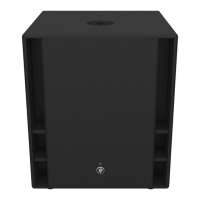
Thump18S subwoofer.
The channel A high pass output of each Thump18S subwoofer is connected directly to the input of each
Thump15 loudspeaker.


 To Next Page