- 7 -
Setting Date /Time
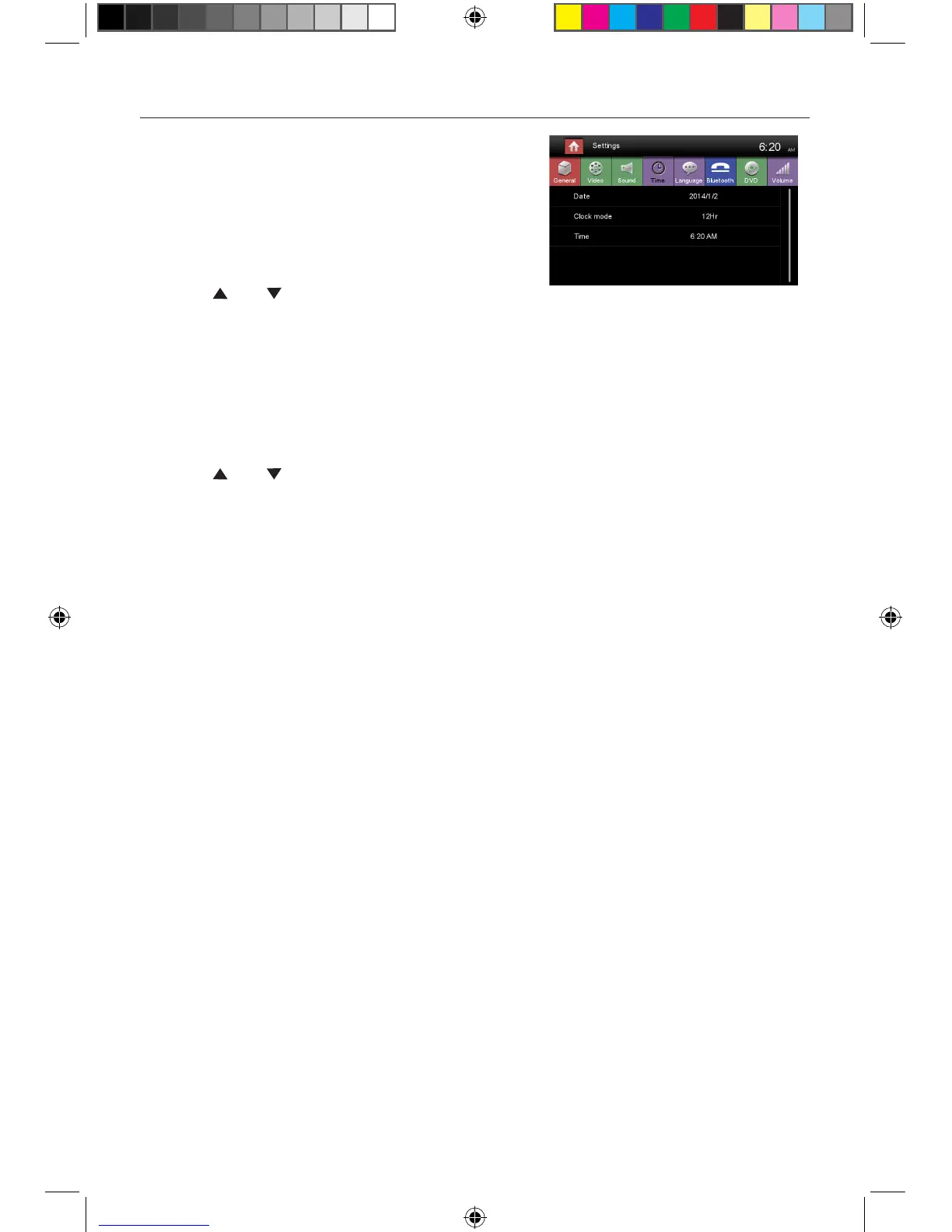
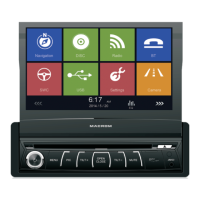
1. Touch [ Settings].
2. Touch [ Time ].
The date/time setup menu is displayed.
Set Date
1. Touch [ Date ].
2. Touch the date information on the screen .
A submenu is displayed.
3. Touch [ ] or [ ] to set year, month and day.
Set Clock Mode
1. Touch [Clock mode].
2. Touch [12Hr] or [24Hr] to switch clock mode.
Set Time
1. Touch [ Time ].
2. Touch the time on the screen, a submenu is displayed.
3. Touch [ ] or [ ] to set hour and minute.
4. When date/time is set, touch [ Save ] to confirm or [ Cancel ] to exit.
M-DVD6560 User manual_ENG.indd 7 23/05/2014 14:36:28


 To Next Page