78 Chapter 3: Writing Scripts in Director
To find text in scripts:
1 Make the Script window active.
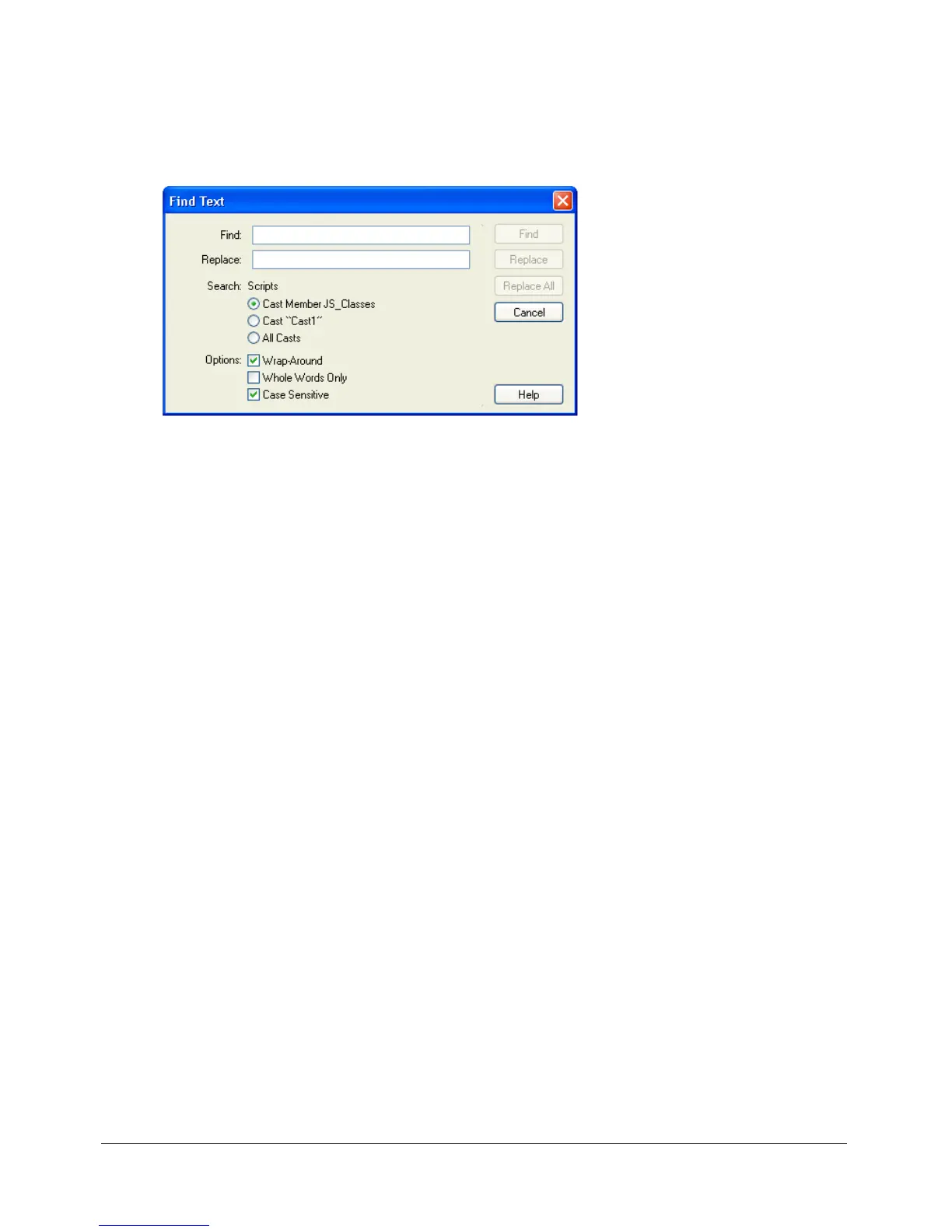
2 Select Edit > Find > Text.
The Find Text dialog box appears.
3 Enter text that you want to find in the Find field, and then click Find.
By default, find is not case-sensitive:
ThisHandler, thisHandler, and THISHANDLER are all the
same for search purposes. Click the Case Sensitive check box to make the find case-sensitive.
To specify which cast members to search:
• Select the appropriate option under Search: Scripts.
To start the search over from the beginning after the search reaches the end:
• Select the Wrap-Around option.
To search only for whole words and not fragments of other words that match the word:
• Select the Whole Words Only option.
To find the next occurrence of the text specified in the Find field:
• Select Edit > Find Again.
To find occurrences of selected text:
1 Select the text.
2 Select Edit > Find > Selection.



 To Next Page