Debugging in the Message window 87
Debugging in the Script window
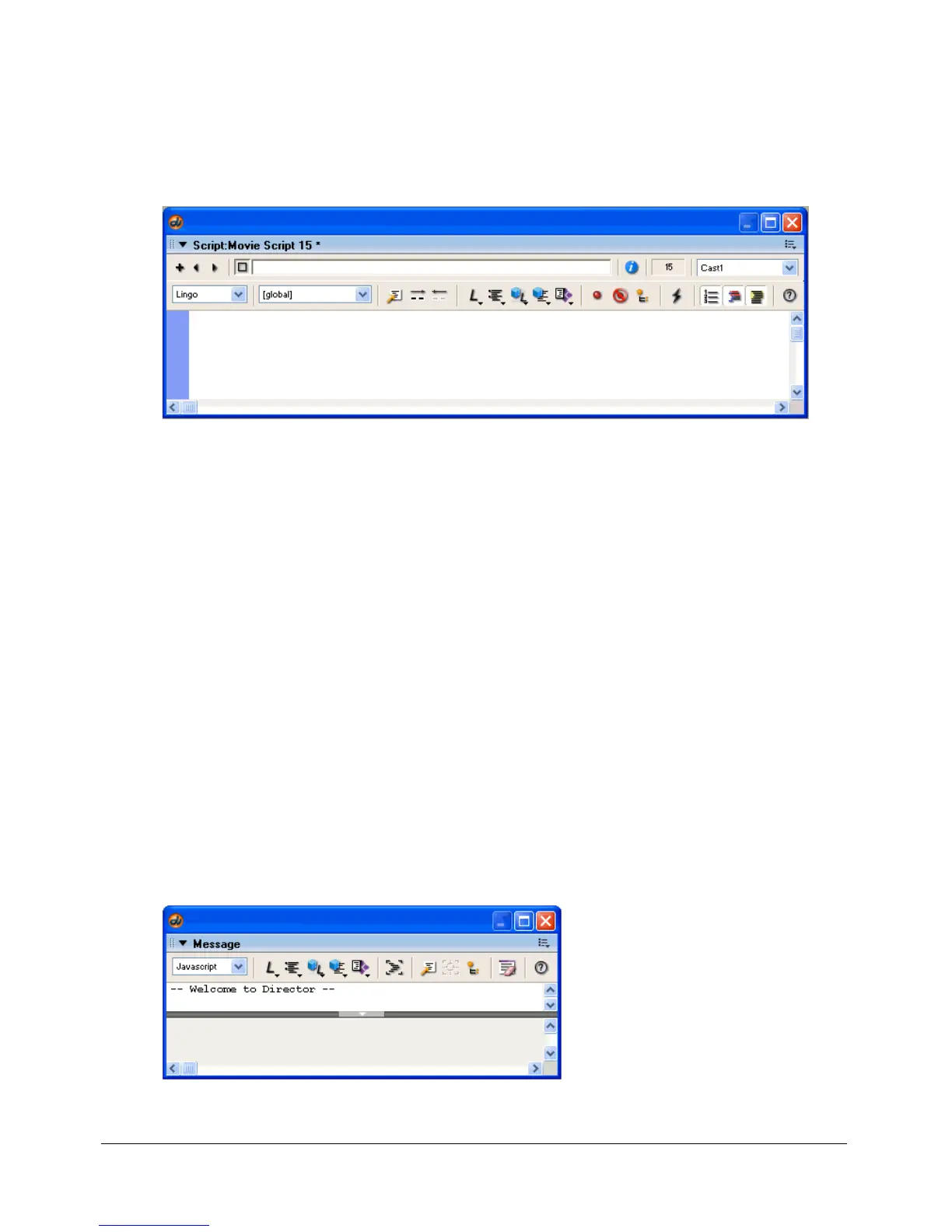
The Script window contains several features that can help you debug scripts.
To open the Script window:
• Select Window > Script.
To make the current line of code a comment:
• Click Comment.
To remove commenting from the current line of code:
• Click Uncomment.
To turn breakpoints in the current line of code on and off:
• Click Toggle Breakpoint.
To turn off all breakpoints.
• Click Ignore Breakpoints.
To add the selected expression or variable to the Object inspector:
• Click Inspect Object.
Debugging in the Message window
The Message window provides a way for you to test scripting commands and to monitor what is
happening in your scripts while a movie plays.
To open the Message window:
• Select Window > Message.



 To Next Page