Macurco CM-xx Operation Manual
REV – 1.2.1 [34-2900-0511-6 ] 20 | Page
4.5 Default – Factory Settings
The CM-xx comes pre-programed with these default settings:
Alarm Relay Configuration
Fan Relay Minimum Runtime
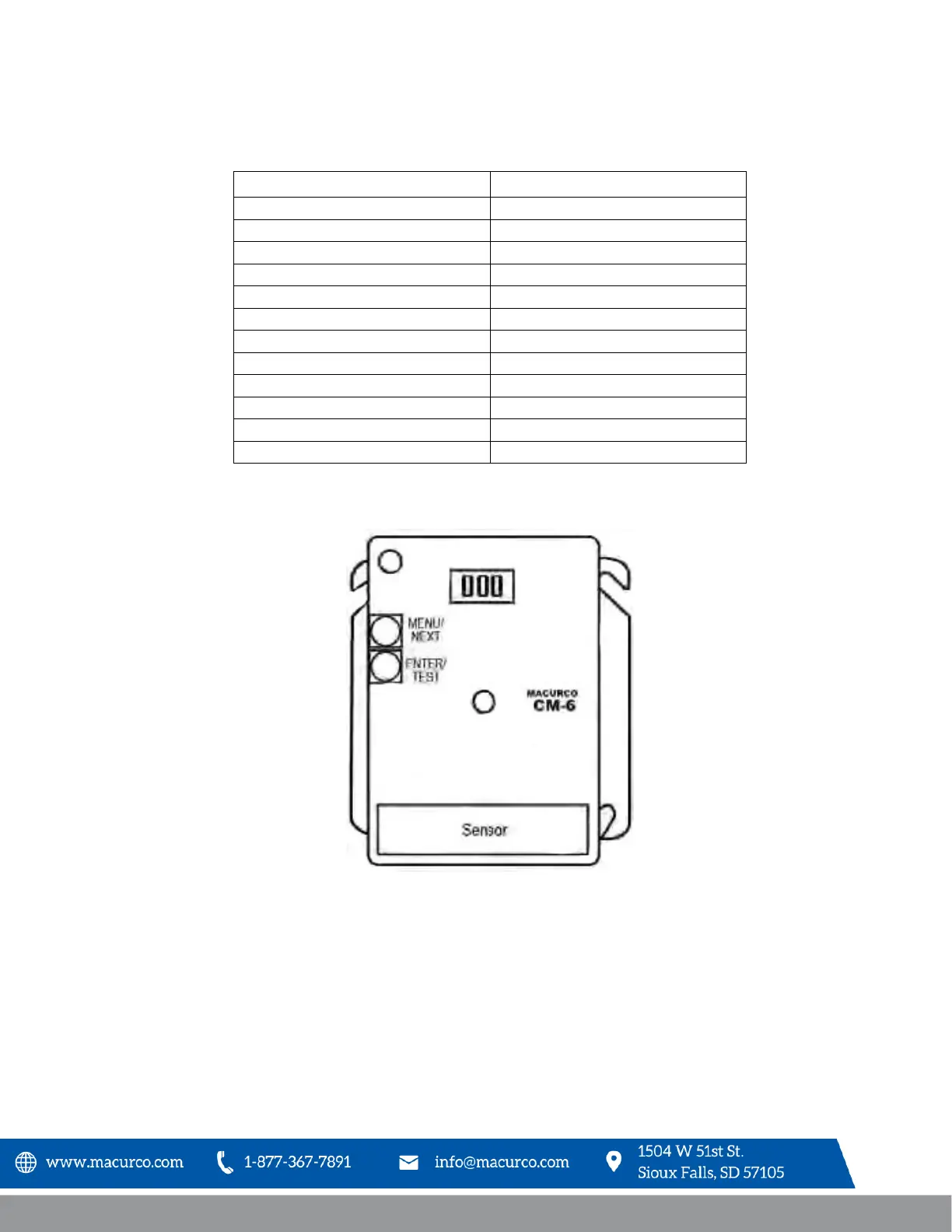
To change settings, remove the Philips screw on the front of the CM-6. Pull off the front cover of the unit.
Figure 4-1 Board View
To reset the device to factory settings, see section 4.5.1 Selecting Default Configuration – “dEF
4.5.1 Selecting Default Configuration – “dEF”
To select the Default Configuration, in normal mode, push the Next button to get to “Con” or the Configuration menu. Then
push the Enter button to enter the Con menu. The first selection is the “dEF” or Default setting. Push Enter. If it is already in
Default configuration, there will be no action. If it is not already in Default configuration, “nO” will be displayed. Push Next to


 To Next Page