GB-11
2
:
3
1
5
/ 1
P
M
1. Enable the Bluetooth® function on your mobile
device. Consult the operating instructions of your
device how to do this since this is device-specic.
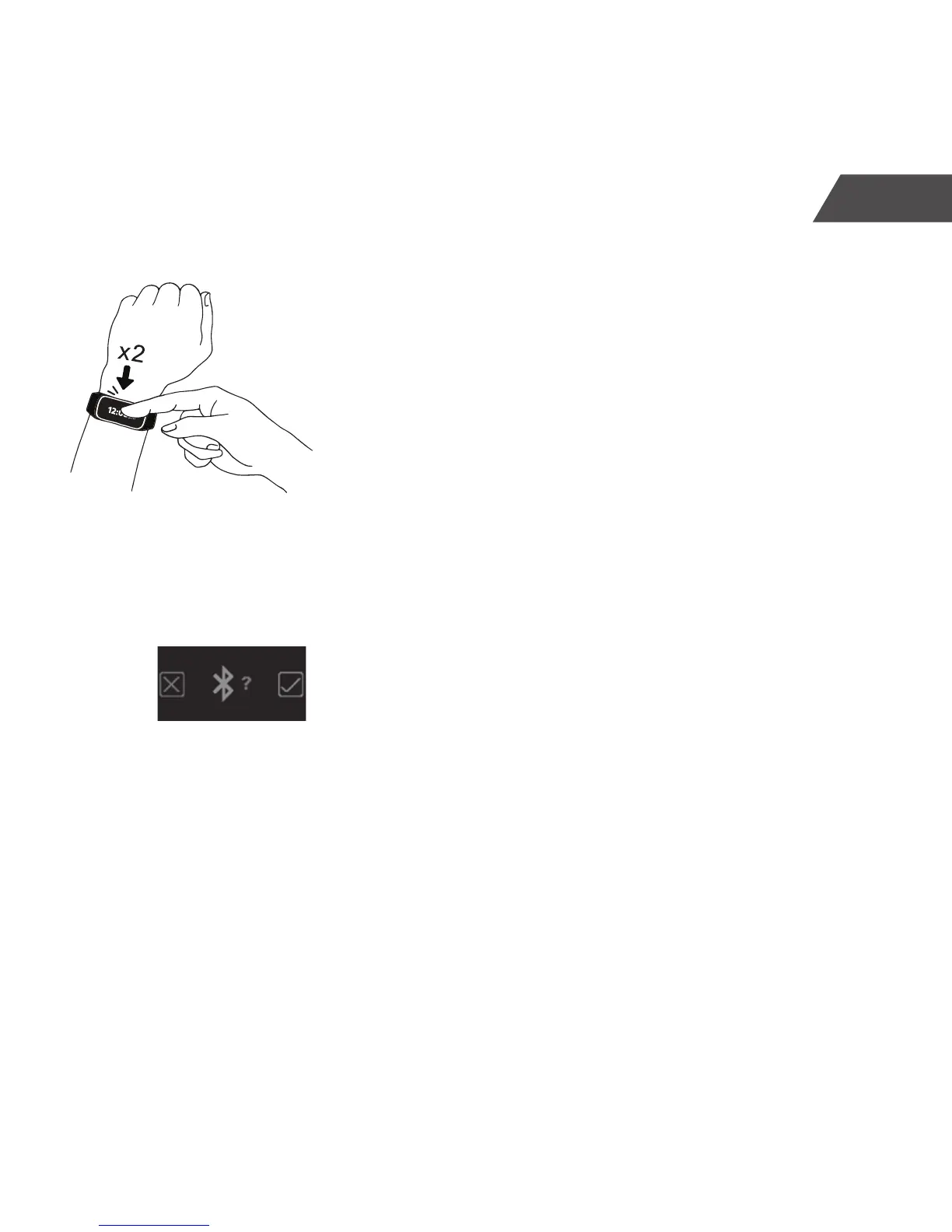
2. Make sure that the network connection of your
wireless device is available. Tap the touch screen
of the CT-04+ Candy Tech Smart Go Time twice to
switch it on for pairing.
3. Open the CT-04+ App. Open the ‘Settings’ page of
the CT-04+ App, choose the menu item “PAIR” and
follow the instructions on the screens. The CT-04+
App will attempt to pair with the CT-04+ Candy
Tech Smart Go Time via Bluetooth®. To un-pair,
complete the process in reverse choosing the
menu item ‘UNPAIR’.


 To Next Page