GB-12
4. Tap touch screen on the CT-04+ Candy Tech
Smart Go Time a few times while both devices are
trying to pair.
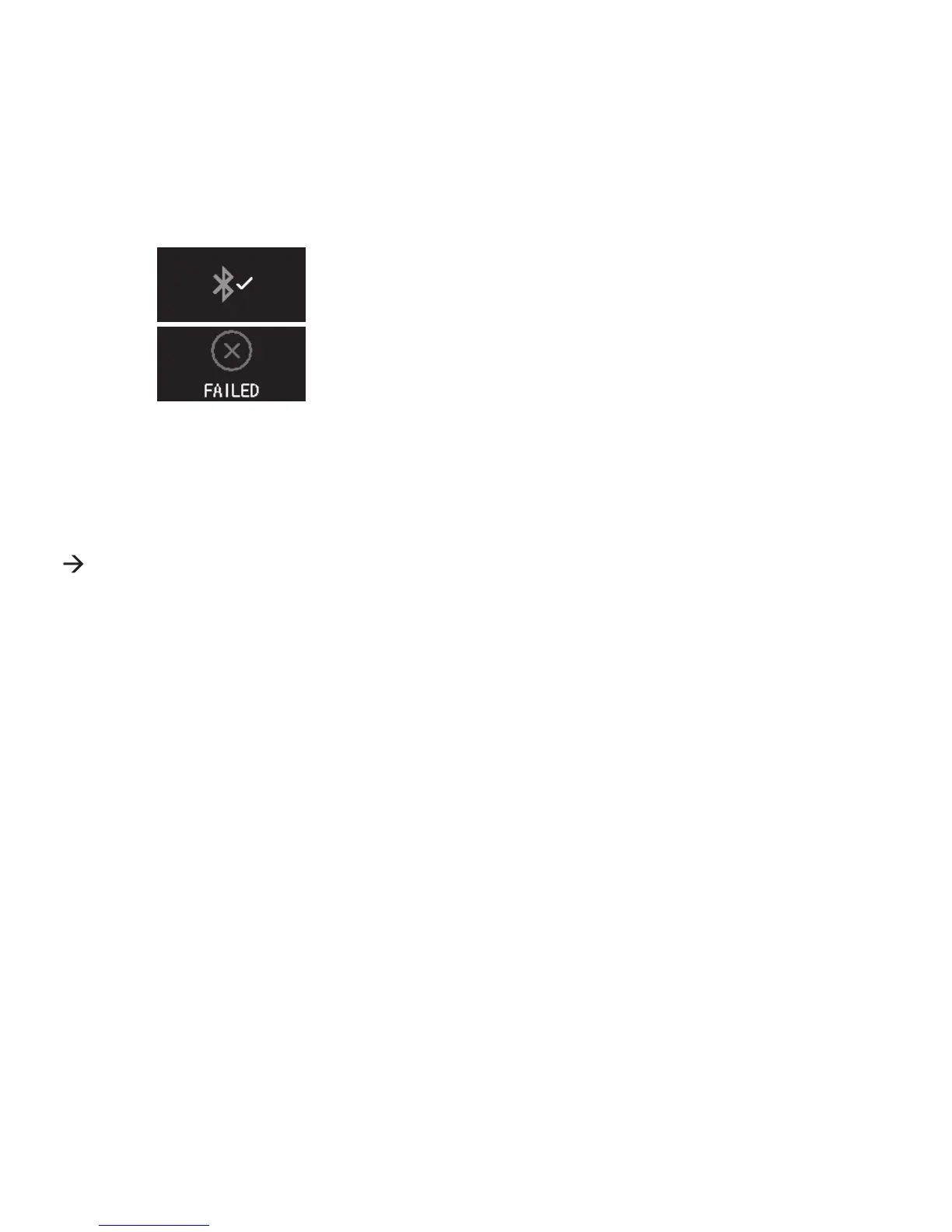
5. Conrm paring. A notication appears if the pairing
was successful. If the pairing fails, a failure notice
appears. The CT-04+ App will also remind you if
the pairing failed.
Pairing is device specic and a one-time process which permanently
connects CT-04+ App on your mobile device to the CT-04+ Candy Tech
Smart Go Time. If you want to pair another CT-04+ Candy Tech Smart Go
Time, un-pair the present one and repeat the pairing process with the other
device. Go to the ‘Settings’ page of the CT-04+ App and touch the ‘UNPAIR’
menu item to un-pair both devices. Follow the instructions on the screen.


 To Next Page