OPERATION
OPENING AND CLOSING
36 Operating manual T225 / T230
Unlocking
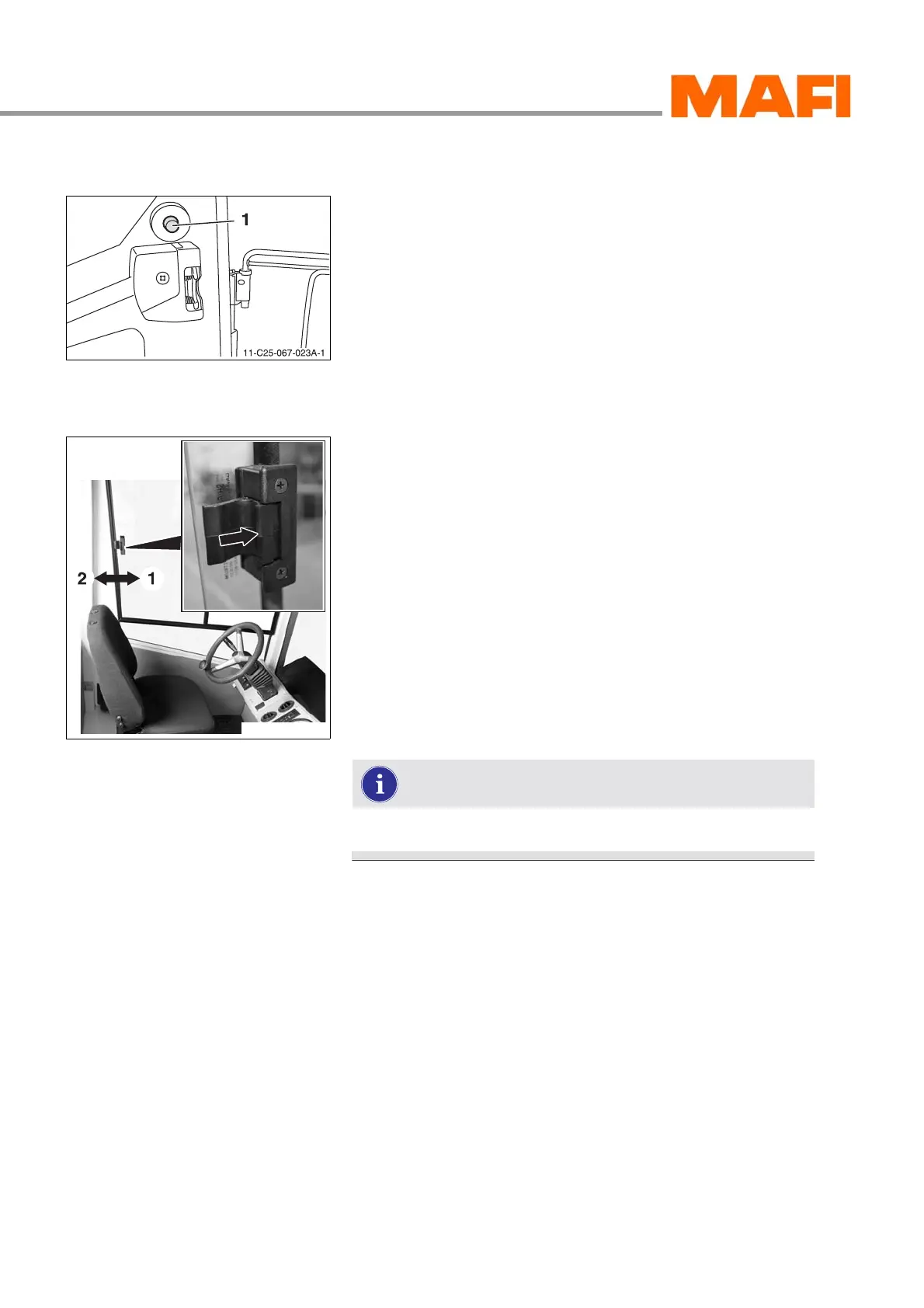
Fig. 13: Releasing the retainer
1 Release button
X
Press the release button 1 while pulling the door out of
the retainer at the same time.
3 The door is unlocked.
Windows
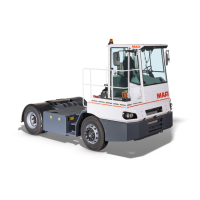
Fig. 14: Driver-side window
Opening
X Release the latch.
X Hold down the latch and push the window in the direction of
arrow 1.
X Secure the window in the desired position.
Close
X Release the latch.
X Hold down the latch and push the window in the direction of
arrow 2.
X Secure the window in the desired position.
The window can be adjusted to various positions.



 To Next Page