Points of Interest 31
5. Select Change My POI File.
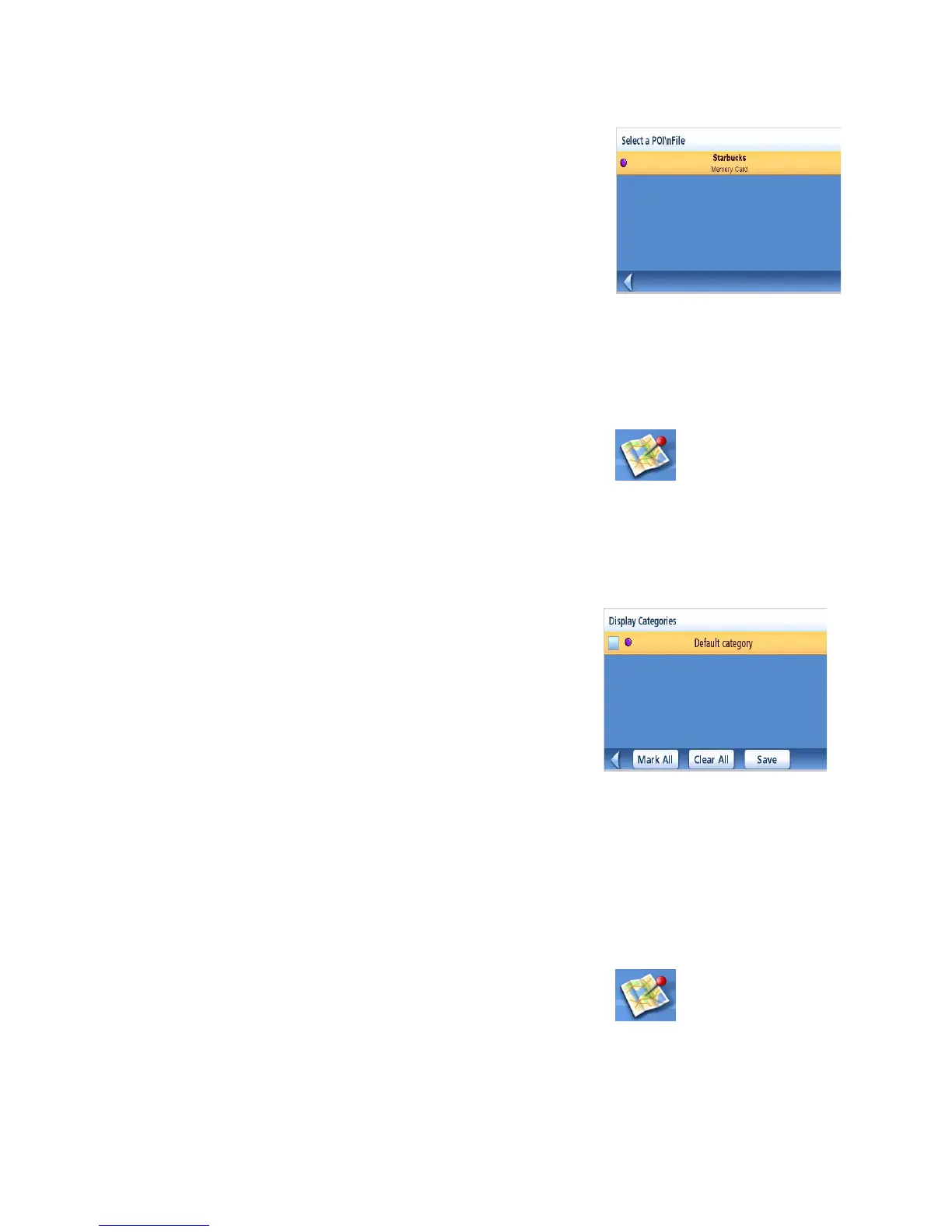
6. Select Select a POI File.
7. Select the POI file to be loaded from the list
of available POI files by tapping on the file
name.
Selecting Categories for Display on the Map
A POI file must be loaded (see Loading a POI File) for this function to operate.
1. From the Main Menu, tap the Points of Interest icon.
2. Select Enhanced.
3. Select My POI.
4. Select Change My POI FIle.
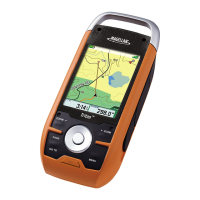
5. Select Display Categories.
6. Use the checkbox to the left of the category
name to select or deselect the category.
(Checked means this category will have its
icon displayed on the map.)
Tap Mark All to check all categories or Clear
All to uncheck all categories.
7. Tap Save when done.
Setting Alarms
A POI file must be loaded (see Loading a POI File) for this function to operate.An enhanced POI can
have an alarm that will alert you when you are in range set by “Alert Parameters.” Note that all
POIs in the categories selected will have their alarms set to on. A POI file must be loaded (see
Loading a POI File) for this function to operate.
1. From the Main Menu, tap the Points of Interest icon.
2. Select Enhanced.
3. Select My POI.
POI File List
Enhanced POI Category List













 To Next Page