Bluetooth 53
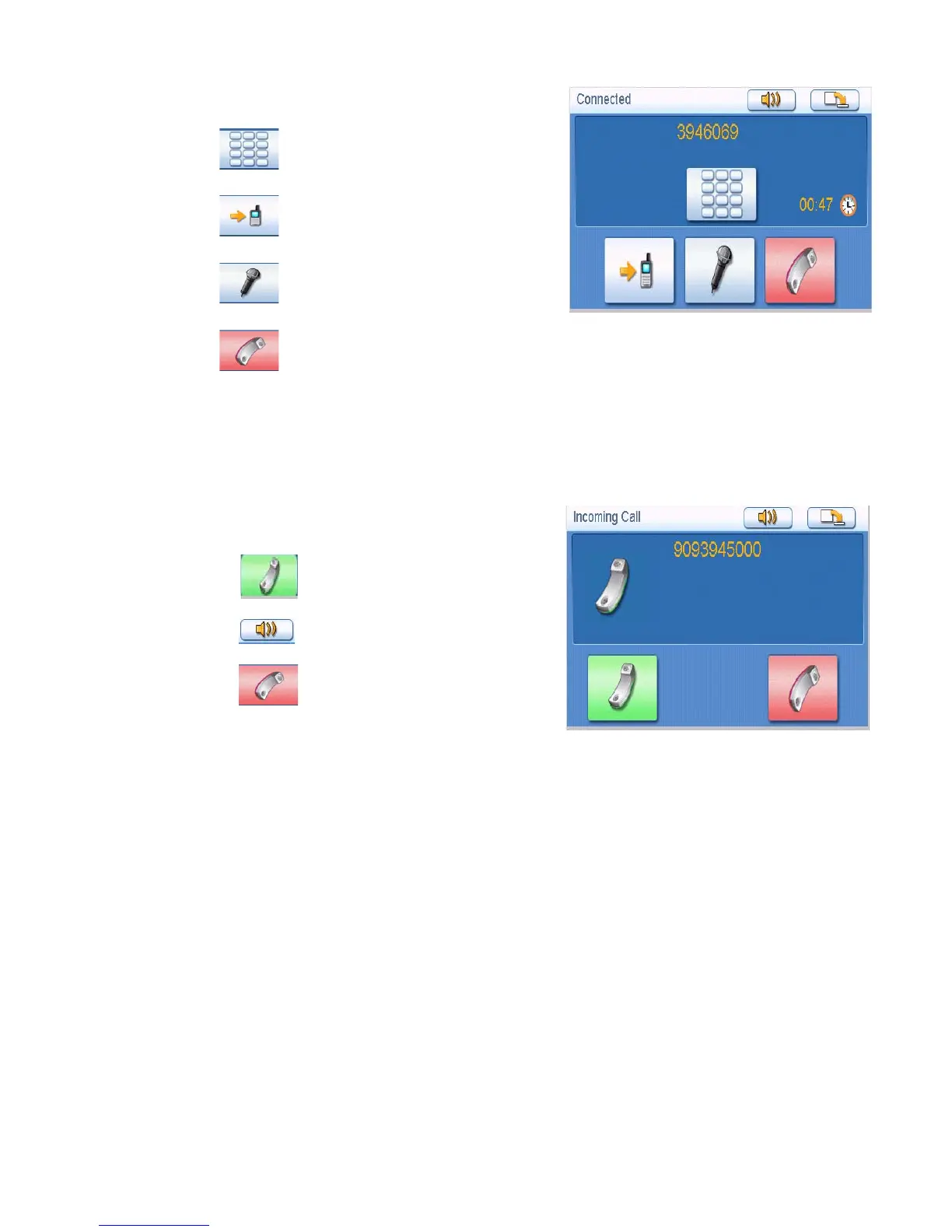
Call Connected
If a call connects, the “Connected” window shall pop
up:
• Tap to display a keypad to input the
extension after connected.
• Tap to transfer the call to your mobile
phone.
• Tap to turn off the microphone in the
Magellan Maestro.
• Tap to hang up the call.
Incoming call
Answering an Incoming Call
1. When there is an incoming call, the
“Incoming Call” window will pop up:
Tap to pick up the incoming call.
Tap to mute the incoming call ring.
Tap to reject the incoming call.
Connected screen
Incoming Call













 To Next Page