21
LED Display
1. Soil Level Indicator: Indicates desired soil level (See Button 10)
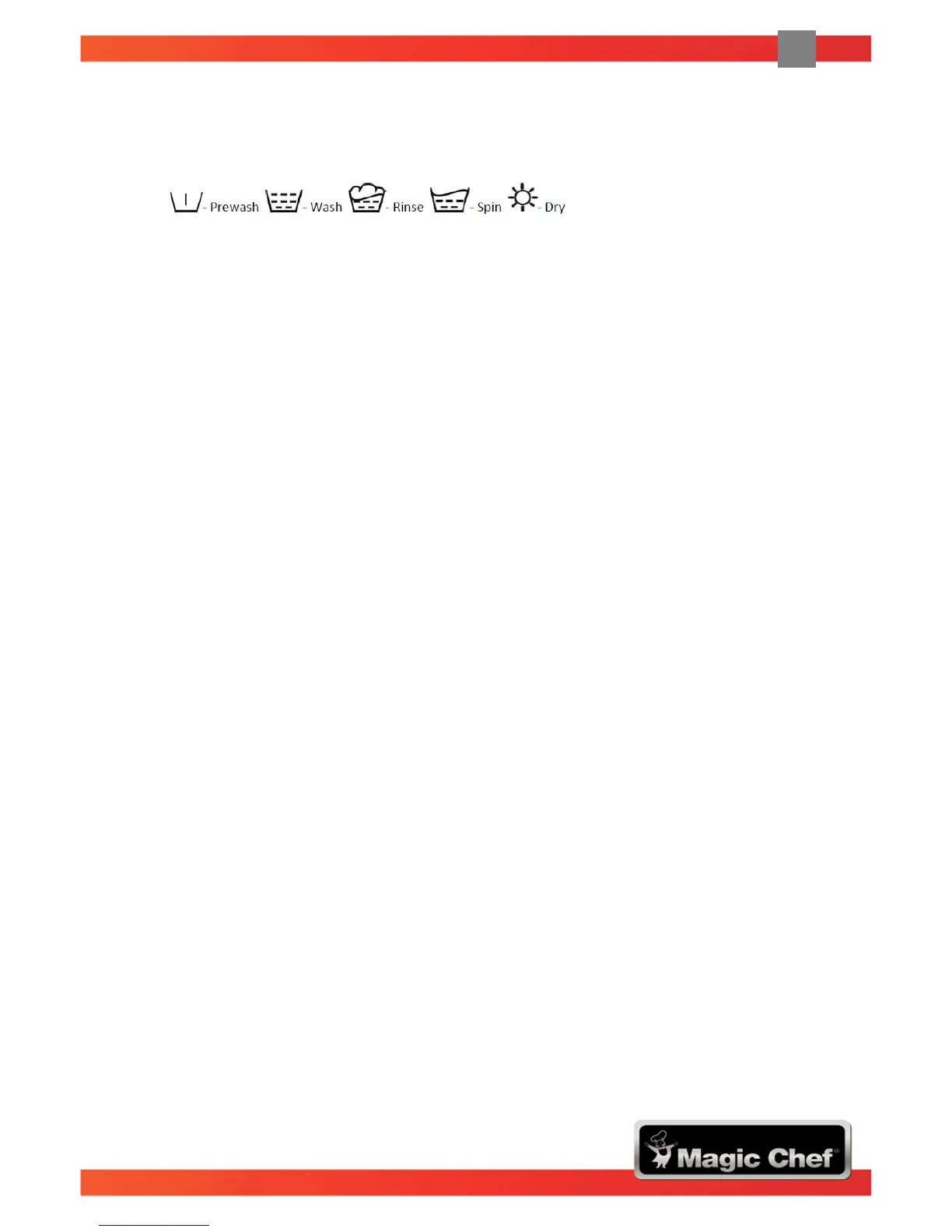
2. Cycle Indicator: Indicates stage of wash/dry cycle.
3. Wash Cycle / Life Cycle Indicator: Indicates time left until end of cycle.
4. Feature Indicator: Indicates features that are active:
• Machine is locked for duration of cycle.
• Child lock is on.
• Extra Rinse is active.
• Custom Cycle is active
• Delay Timer is active.
5. Water Temperature: Indicates the selected temperature.
6. Spin Speed: Indicates the selected spin speed.
7. Pre-wash: Press to include pre-wash feature.
8. Temperature: Press to increase water temperature by increments of 10°C.
9. Spin Speed: Press to increase spin speed
• Washer drum spins at a speed up to 1200 RPM which reduces drying time and saves
energy.
• Press the button until desired speed is lit (speed increase by increments of 200, 400 and
1200 RPM)
• Some fabrics (i.e. delicates) require a slower spin speed.
• High spin speeds are not available on all cycles.
10. Soil Level: Press to increase time for heavier soiled items.
• There are three (3) soil levels
• Each bar increases the base wash time by 5 minutes.
11. Child Lock: Press the Soil Level and Delay buttons at the same time to Unlock/Lock control
panel.
12. Delay Time: Press to set a delay time for the wash to begin.
• The delay start light will flash to indicate the delay time. Cycle will start after “##” hours.
13. Hour Glass: Indicates estimated cycle time remaining.
14. Custom Cycle: After a wash cycle is modified, hold this button down to save your settings.
• You can quickly choose this cycle for your next wash by pressing this button.
• Override saved settings by holding the button down again after a different cycle and
options are selected.
15. Clock: Indicates time left until end of wash/dry cycle.
16. Extra Rinse: Press button to add an extra rinse cycle to the selected cycle.
17. Add Dry Time: Adds a dry cycle to the end of the wash program (not available on all cycles)


 To Next Page