EasyManua.ls Logo

Magic Chef MCSDRY35W - User Manual

Magic Chef MCSDRY35W
40 pages
Print Icon
To Next Page IconTo Next Page
Loading...
1
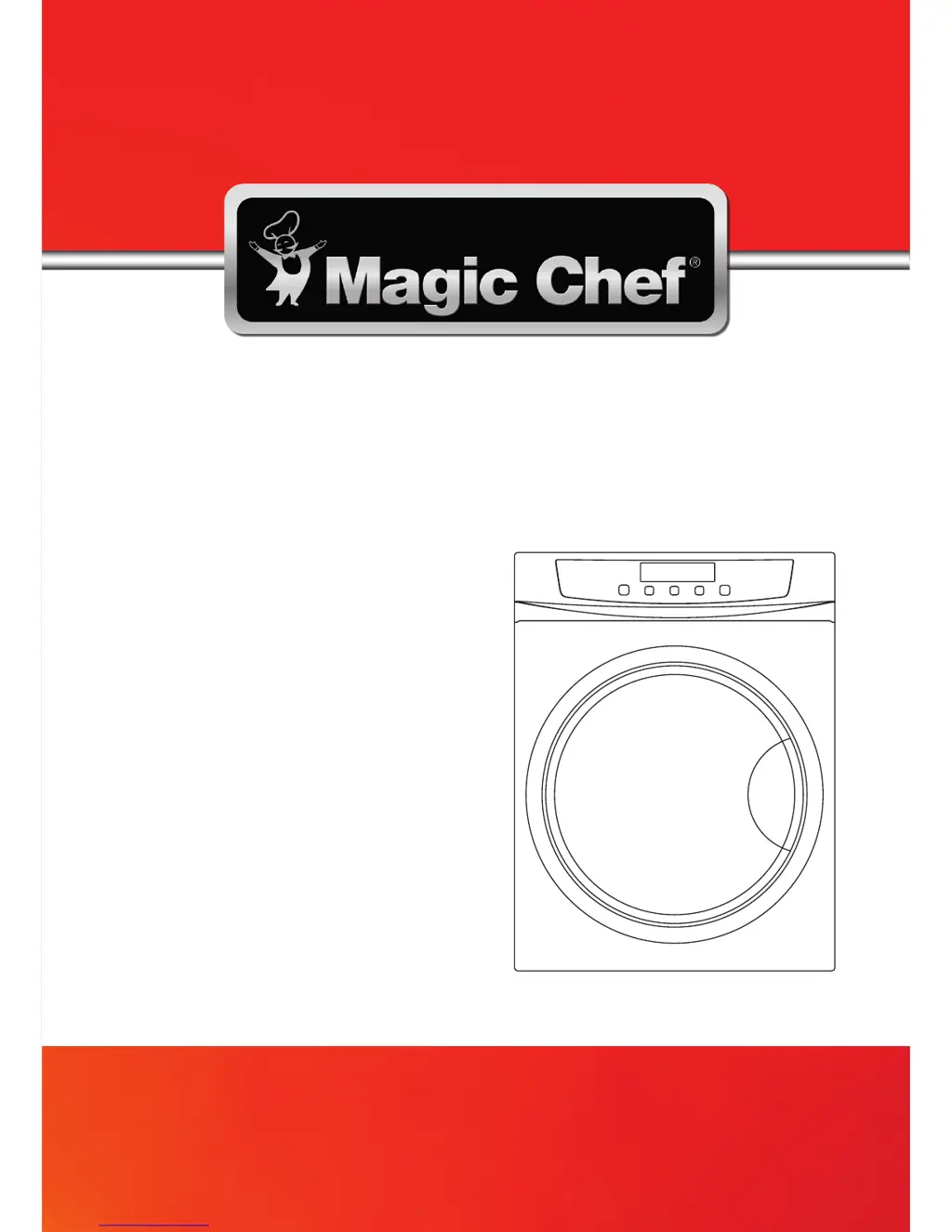
PLEASE READ THIS MANUAL CAREFULLY BEFORE USING YOUR DRYER
AND KEEP IT FOR FUTURE REFERENCE.
Model MCSDRY35W
3.5 Cu. Ft. Compact Dryer
User’s Manual

Questions and Answers

  • M
    Mr. Kyle BlackburnAug 3, 2025
    How to fix a Magic Chef Dryer that is not completely drying laundry?
    • V
      Valerie YoungAug 3, 2025
      If your laundry isn't drying completely in your Magic Chef Dryer, consider the following: * Ensure you're using the correct drying settings for 'TIMER' and 'HEAT'. * Clean the dryer's filter. * Reduce the amount of laundry you're drying in each load; avoid overloading the dryer. * Make sure items are not knotted or clumped together. * Ensure the dryer is in a well-ventilated area. * Check that your washing machine's spin cycle is effectively removing water.
  • V
    Victoria KempAug 12, 2025
    What to do if my Magic Chef MCSDRY35W does not operate?
    • C
      Cynthia Turner MDAug 12, 2025
      If your Magic Chef Dryer isn't starting, try these steps: * Verify that the dryer is properly connected to a power outlet. * Inspect your home's circuit breaker or fuse box for tripped breakers or blown fuses. * Make sure the dryer door is completely closed.
  • R
    Rachel GordonAug 22, 2025
    Why are the buttons not working on my Magic Chef MCSDRY35W Dryer?
    • D
      Devon GreenAug 22, 2025
      If the buttons on your Magic Chef Dryer aren't working, here's what you can check: * Make sure the dryer is plugged in properly. * Check your home's circuit breaker or fuse box for any tripped breakers or blown fuses. * Ensure that the dryer door is fully closed. * You must first press the power button to turn the dryer on before the other buttons will work.

Summary

Product Registration

Precautions

Explanation of Symbols

Defines warning and caution symbols used in the manual for safety.

Read This Guide Carefully

Emphasizes reading the manual for proper operation and warranty.

Grounding Instructions

Details the importance and procedure for grounding the appliance for safety.

Important Safety Instructions

Specifications

Parts and Features

Front View Components

Identifies and labels parts visible on the front of the dryer.

Back View Components

Identifies and labels parts visible on the back of the dryer.

Installation Instructions

Location and Placement Guidelines

Covers proper placement of the dryer away from hazards and for ventilation.

Installing the Dryer Legs

Instructions on how to attach and adjust the dryer's support legs.

Wall-Mounting Procedures

Step-by-step guide for securely mounting the dryer to a wall.

Operation Instructions

Control Panel Functions

Explains the purpose and usage of each button on the dryer's control panel.

Drying Programs and Settings

Details available drying programs, time references, and temperature settings.

Laundry Preparation for Drying

Guidance on sorting, loading laundry, and checking care labels for safe drying.

Fabric Care Symbol Guide

Explains common fabric care symbols and their meaning for dryer use.

Care and Maintenance

Unit Cleaning

Instructions for cleaning the exterior and control panel of the dryer.

Lint Filter Assembly Maintenance

Steps for removing, cleaning, and reassembling the lint filter system.

Air Intake Filter Maintenance

Procedures for cleaning the air intake filter assembly.

Troubleshooting Common Issues

Limited Warranty Information

Magic Chef MCSDRY35W Specifications

General IconGeneral
Colorwhite
Dryer Capactity3.5 cubic feet
Number of Cycles4
Cycle Selectionsdewrinkle
Optionsdewrinkle
Child Lockyes
Moisture Sensor Optionno
Steamno
Weight and Dimensions IconWeight and Dimensions
Depth21 1/2 inches
Height32 5/16 inches
Width23.5827 inches
Net Weight52.91 pounds

Related product manuals