magicleap.com Copyright © 2024 Magic Leap Inc.
Shared versus personal devices scenarios
Magic Leap 2 Accessories
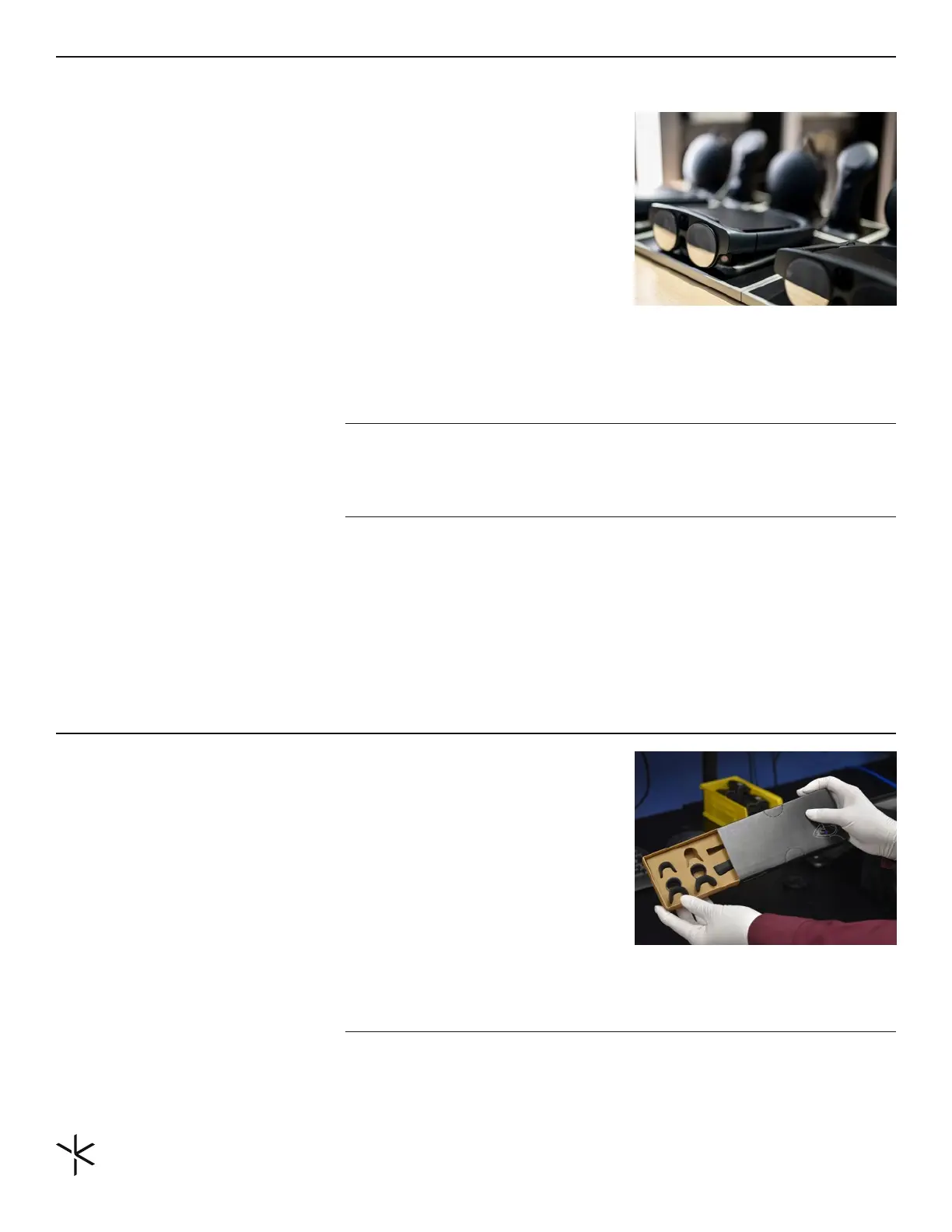
Shared devices should be located in a space where all users have
access to the device. For example, if the shared device is used in
a manufacturing bay, the device should be located either at the
front or back of the bay in a dedicated space, such as on a table
or a wall. These spaces should be agreed-upon spaces with the
end-users who will be using them. Protocols for device use should
also be communicated to end-users. Employees should know
where devices are and when and how to use them. Below are
recommendations for storing shared devices, depending on the
environment.
Accessories are critical to the use of Magic Leap 2. Here is a list of
the accessories found within the box. The accessories required for
the end user will depend on the environment and use case.
# of devices Types of Storage Cleaning Protocol
1-3
+4
If there are only one or two
devices in a location, a charging
stand should be sucient to
make them easily accessible
when used.
For more than four devices in
one location, it's recommended
to store the devices in charging
stations that store, charge, and
clean the device. These can be
purchased from the reseller or
custom-built.
Fit Kit Box with nose pieces and
forehead pads
IMPORTANT: For shared devices it is recommended they should be kept ON at all times.
This enables employees to leverage features such as Iris ID without requiring an adminis-
trator to unlock the device.
If charging stations are used, it is
recommended to have cleaning
cloths next to the device after
each use.
Charging stations provide UV
cleaning.
Controllers (optional)
Whether the controller is required depends on the deployment environment. These control-
lers are easily interchangeable with any Magic Leap 2 device by plugging them into the Com-
pute Pack with the USB-C cable. For more information on the controller refer to this guide.


 To Next Page