magicleap.com Copyright © 2024 Magic Leap Inc.
Let’s get started with pre-deployment
This process can take 5 to 10 minutes per unit.
Magic Leap 2
Unboxing
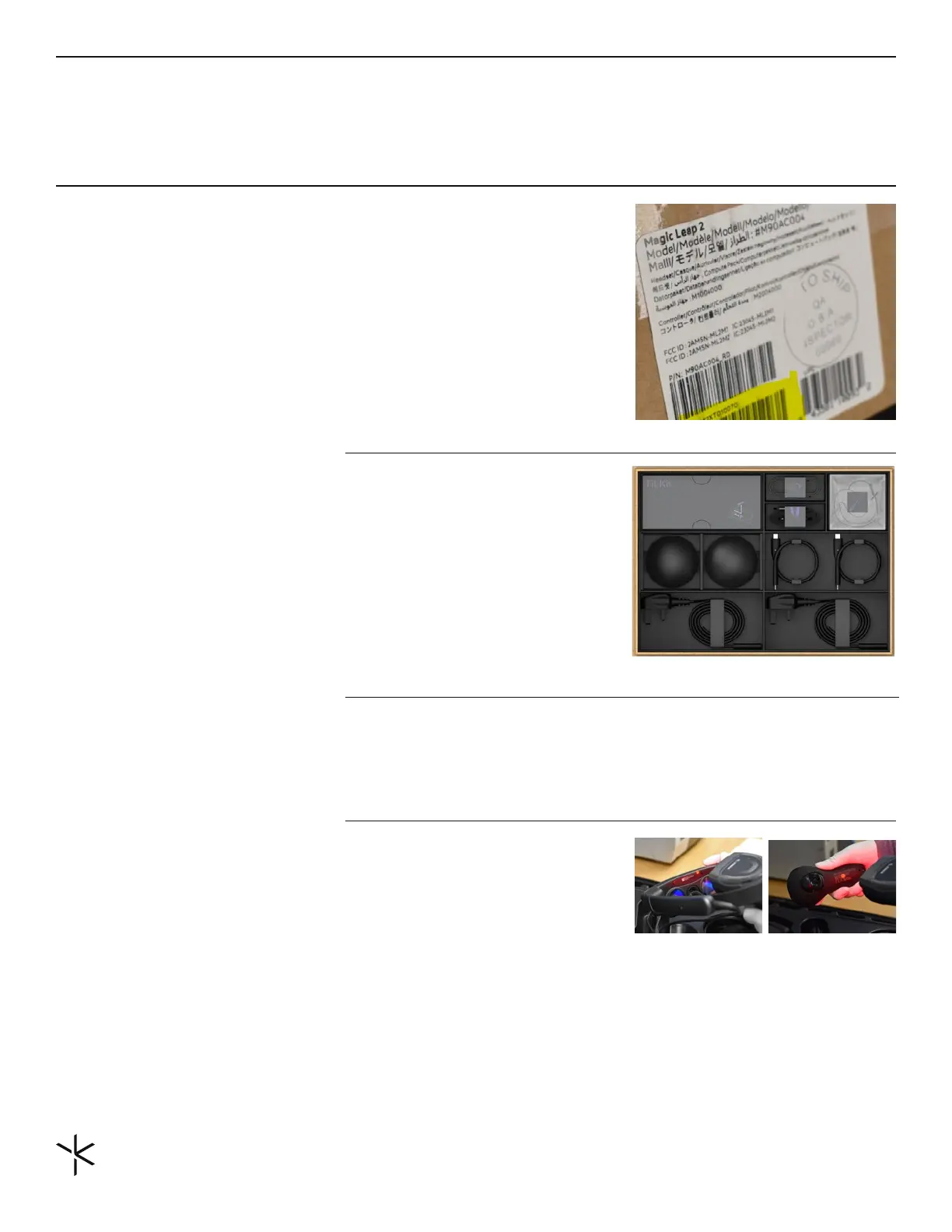
Magic Leap 2 will arrive in a shipping box
and a product box. The shipping box and
product box will have the Serial Number
(highlighted below) on the outside. This
serial number can be used if the Magic Leap
2 is being identied in an inventory/asset
management system. The serial number
can also be found on the device.
The product box has the Carry case, the
Magic Leap 2 headset, controller, compute
pack, and accessories. Here are the details
of what is in the box and a video explaining
what's included.
Box containing a label with a serial number.
Magic Leap product box with accessories.
Magic Leap headset and controller being
scanned for inventory management
Note: Additional QR codes can be created with
a QR code generator using the serial number.
Magic Leap 2 Product Box
Inventory Devices
Serial Number (or device ID)
Whether you are using an inventory management system or leveraging the MDM to
inventory devices, it’s important to know what devices are assigned to whom or what team.
When inventorying the devices, it is recommended to use the serial number.
The serial number is found on the shipping
box, the product box, behind the forehead
pad on the headset, and on the back of the
controller. When the device is turned on,
the serial number can be found in the Home
menu under Settings -> About -> Model &
Hardware.
IMPORTANT NOTE: The device warranty is
associated with the device serial number.
There is a QR Code on the headset behind
the forehead pad and the controller. These
codes can be scanned for easy data entry
into the inventory management system.
Once the shipping box and product box are
opened, the Carry Case with the Magic Leap
2 will be visible.



 To Next Page