4
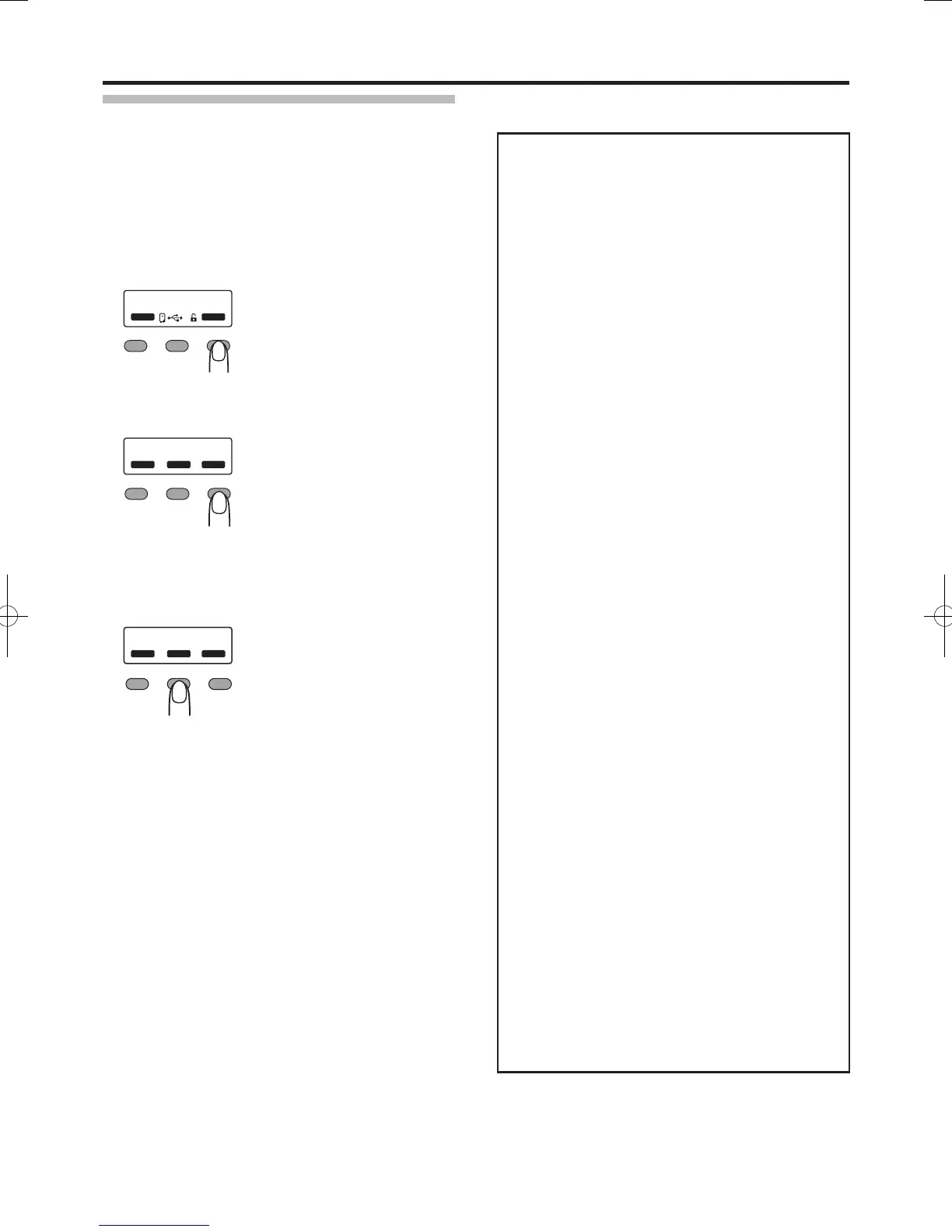
After checking is complete press
H
to exit
the setting mode
Pressing it each time displays the setting item of the
next higher level.
●
●
●
●
●
●
●
Settings
Laminator
Mode: Laminate, Pass
Set to [Laminate] to perform laminating.
Set to [Pass] if you do not want to laminate.
Cassette: None, Top, Bottom, Both
The load status for the film cassette appears.
Film-T: Patch, Overlay
For selecting the film to be used for the top side.
Film-B: Patch, Overlay
For selecting the film to be used for the bottom side.
Film-T Pos:
-7, -6, -5, -4, -3, -2, -1, 0, 1, 2, 3, 4, 5, 6, 7
For setting the patch position for the moving direction
of the top side.
Film-B Pos:
-7, -6, -5, -4, -3, -2, -1, 0, 1, 2, 3, 4, 5, 6, 7
For setting the patch position for the moving direction
of the bottom side.
HR-T Temp:
90 degC to 180 degC (in increments of 5 degC)
For setting the top side heating roller temperature.
(The temperature may be 185 degC or higher
depending on the firmware version of the card printer.
However, in this case, the temperature for the heating
roller remains at 180 degC. )
HR-B Temp:
90 degC to 180 degC (in increments of 5 degC)
For setting the bottom side heating roller temperature.
(The temperature may be 185 degC or higher
depending on the firmware version of the card printer.
However, in this case, the temperature for the heating
roller remains at 180 degC.)
Speed: 3.0 mm/s to 12.0 mm/s
(in increments of 0.5 mm/s)
For setting the card feed speed during lamination.
Cooling Time: 0sec, 5sec, 7sec, 10sec, 15sec, 20sec,
30sec
For setting the standby time for cooling down the card
immediately before lamination starts.
HR Control: Off, On
For setting the low temperature standby mode. This
setting works simultaneously with the card printer
setting. For setting whether to standby the laminator by
lowering the heating roller temperature if cards are not
printed for 30 minutes or longer.
This is always set to [On] automatically when overlay
film is selected.
(Regardless of the setting, turn off the heating roller
and standby the laminator if you will not be performing
card printing for a long time.)
Count
Displays the number of laminations performed after the
last roller cleaning. This number is reset to 0 each time
roller cleaning is performed.
●
●
●
●
●
●
●
●
●
●
●
●
■


 To Next Page