EN
7
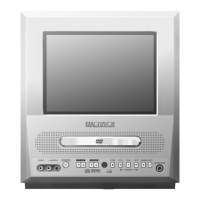
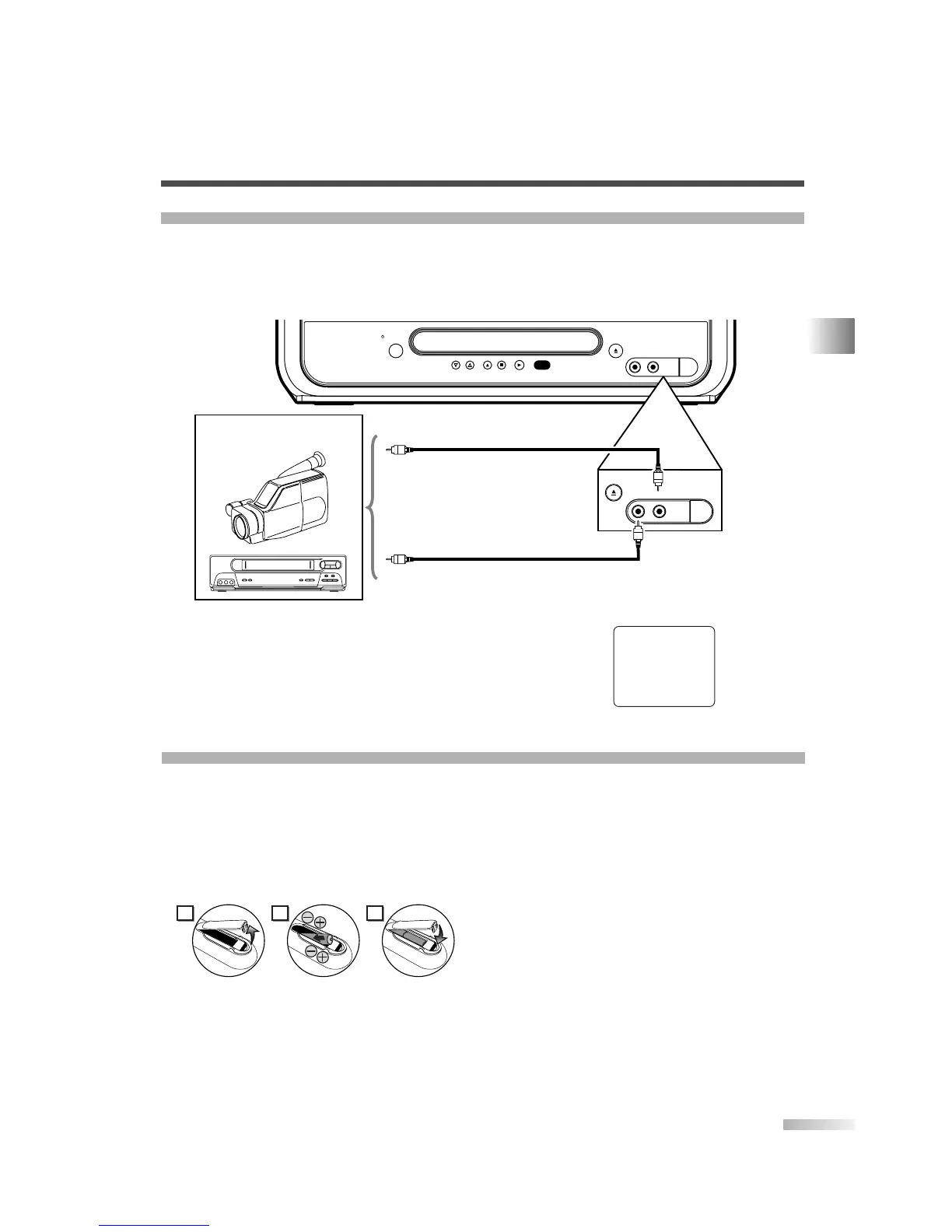
When you watch a program recorded on another source (VCR or video camera), use the AUDIO/VIDEO input
jacks on the front of the unit.
Connect the Audio/Video output jacks of another source to the AUDIO and VIDEO jacks of this unit.
Then use [SELECT] or [CH.
KK
/
LL
] until "AUX" appears on the screen.
(Refer to "TO WATCH EXTERNAL INPUT" on page 9.)
CONNECTING TO AN EXTERNAL DEVICE (FRONT)
INSTALLING THE BATTERIES IN REMOTE CONTROL
1) Open the battery compartment cover by pressing
the cover on the remote unit in the direction of
the arrow.
2) Insert 2 "AA" penlight batteries into the battery
compartment in the direction indicated by the
polarity (+/-) markings.
3) Replace the cover.
[BATTERY PRECAUTIONS]
•
Be sure to follow the correct polarity as indicat-
ed in the battery compartment. Reversed batter-
ies may cause damage to the device.
•
Do not mix different types of batteries together
(e.g. Alkaline and Carbon-Zinc) or old batteries
with fresh ones.
•
If the device is not to be used for a long period
of time, remove the batteries to prevent damage
or injury from possible battery leakage.
•
Do not try to recharge batteries not intended to
be recharged; they can overheat and rupture.


 To Next Page
 Loading...