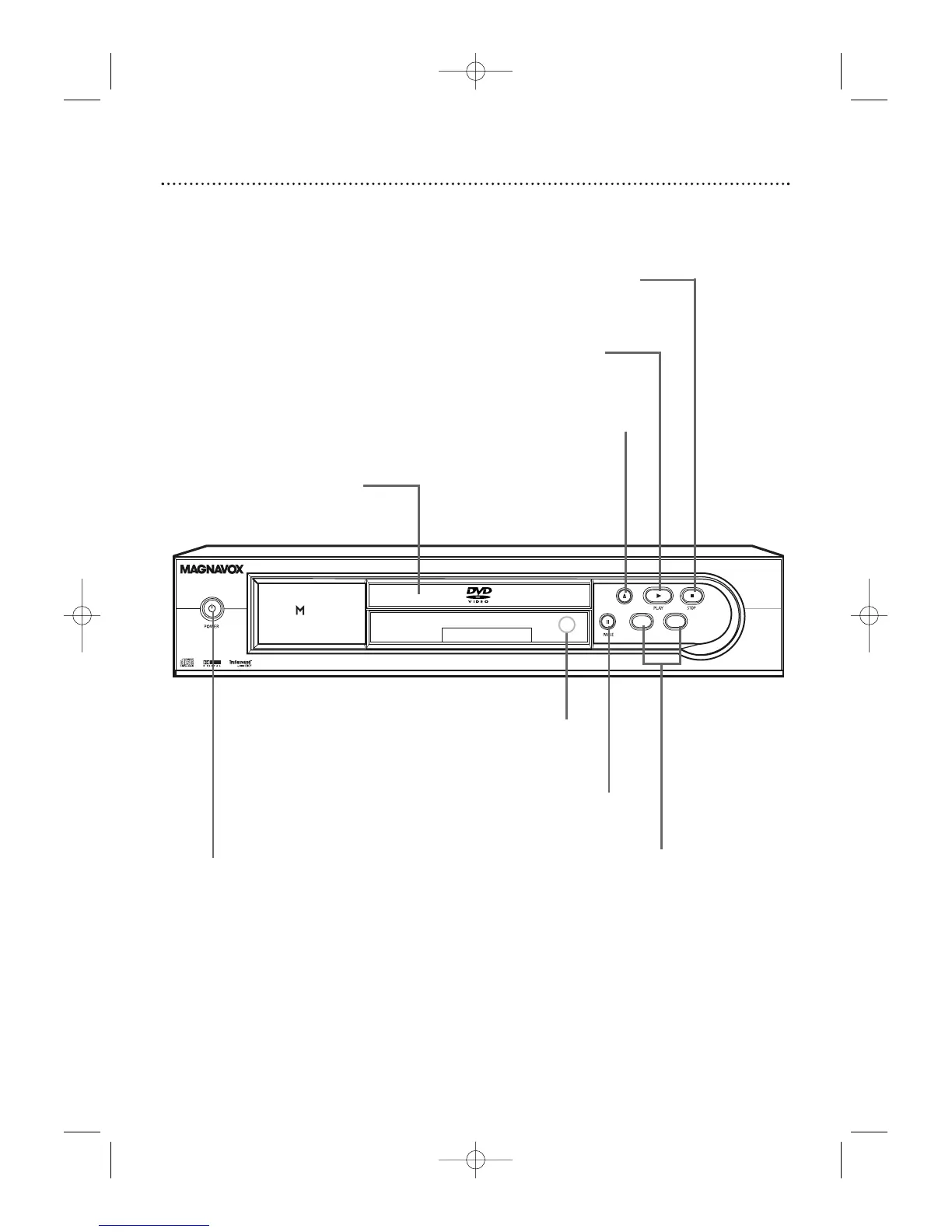
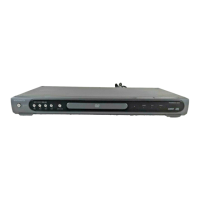
OPEN/CLOSE A Button
Press to open or close the
Disc tray.
Details are on page 19.
PLAY B Button
Press to start or resume
Disc playback. Details are
on page 19.
STOP C Button
Press to stop Disc playback.
Details are on page 19.
PAUSE F Button
Press to pause Disc
playback. Press repeat-
edly to advance DVD
playback one frame at
a time. Details are on
page 21.
POWER
yy
Button
Press to turn the DVD Player’s power
on and off. Details are on page 19.
Remote Sensor
Receives a signal from your remote
control so you can operate your
DVD Player from a distance.
SKIP/SEARCH
j / G Buttons
Press to go to pre-
vious or subsequent
Tracks or Chapters.
Press and hold for
about three seconds
for a fast forward
or reverse search.
Disc tray
Insert a Disc here.



 To Next Page