Language Controls (cont’d) 43
4
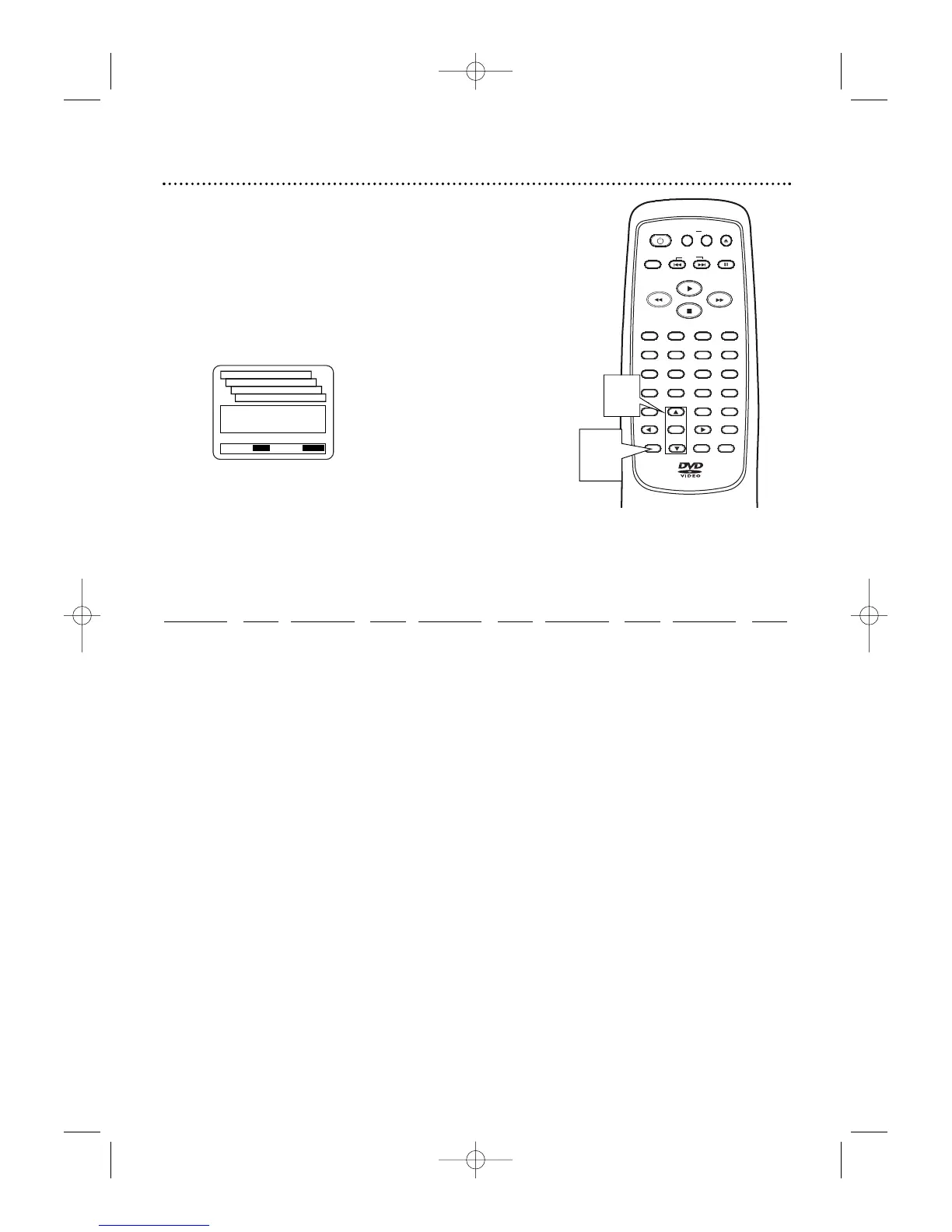
Press
oo
or
pp
to select a setting, then press
OK.
● If you select OTHER at the AUDIO, SUBTITLE, or
DISC MENU screen, press four Number buttons to
enter the code for the language you desire. Refer to
the list below.
● You can only select other languages for AUDIO,
SUBTITLE, and DISC MENU if the language is avail-
able on the Disc.
5
Press SETUP to remove the menu.



 To Next Page