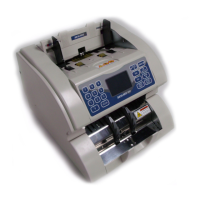
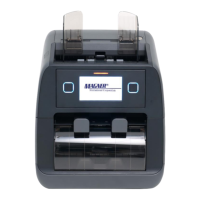
MAGNER 910 Operation Manual V1.1
Page 12 of 18
>DATE:2013-08-29
TIME: 05:44:32
Under this interface, if you need to update date and time, please
firstly press SET key to make the cursor blinking and then by press
key to make the cursor moving. Directly press 0~9 numeric key to
set your desired date and time. Press CLR key to clear data. After all
settings are finished, press ESC key to return to main menu interface.
2. BUZZER
Under this interface, please press or key to turn ON/OFF
this function. After setting, press ESC key to return to main menu
interface.
3. POINT
Under this interface, please press or key to turn ON/OFF
this function. After setting, press ESC key to return to main menu
interface.
4. PRINT


 To Next Page