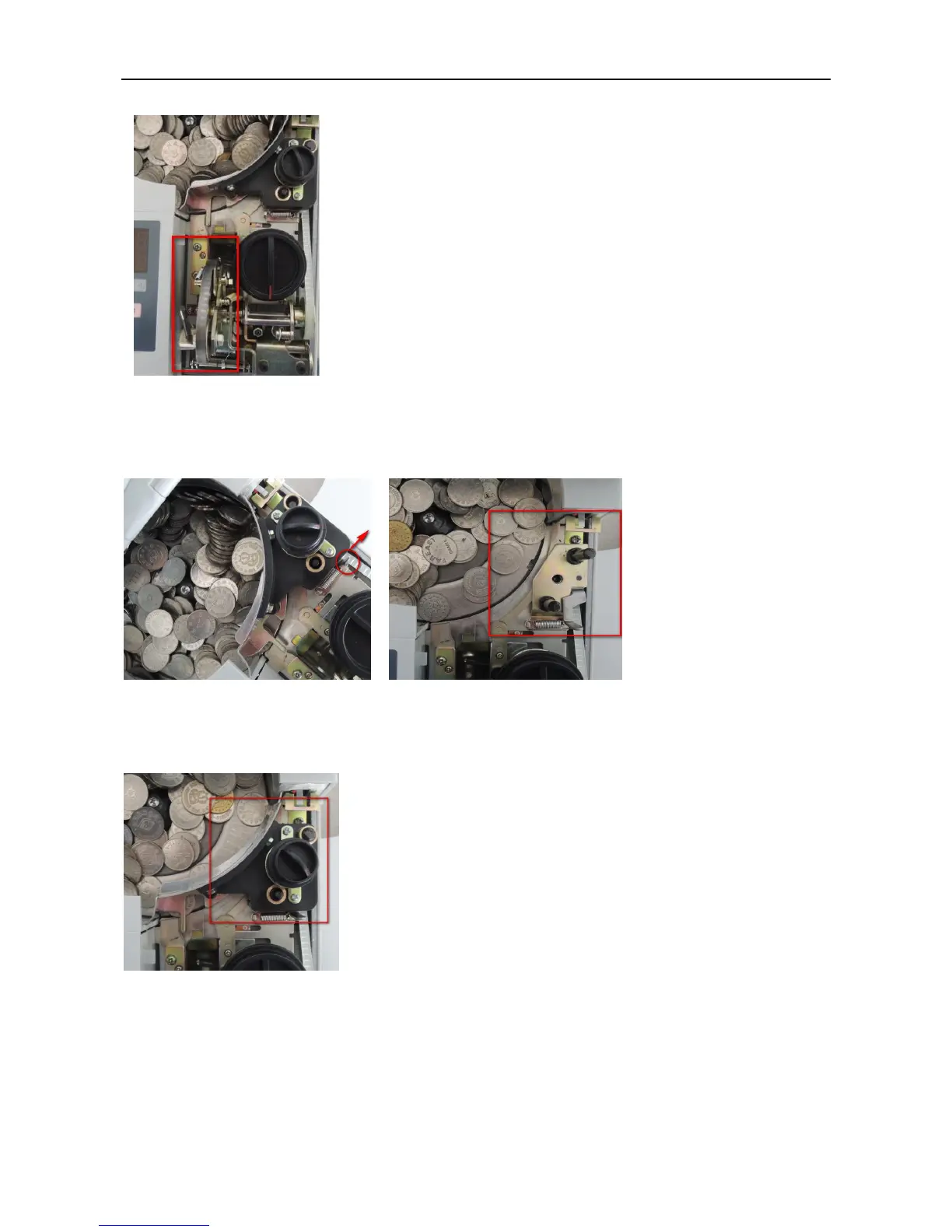
(2) Lift the coin feeding passage assembly part;
Pic.6.4-2
(3) Lose the thickness adjusting knob assembly screw to pull the whole assembly
part out, and then take out the jammed coins.
(4)After taking out the jammed coins, install back the thickness adjusting knob
assembly part. There will be a sound of “ka” if the assembly part is installed to
the right position.



 To Next Page