5. Operation
5.1 General counting mode
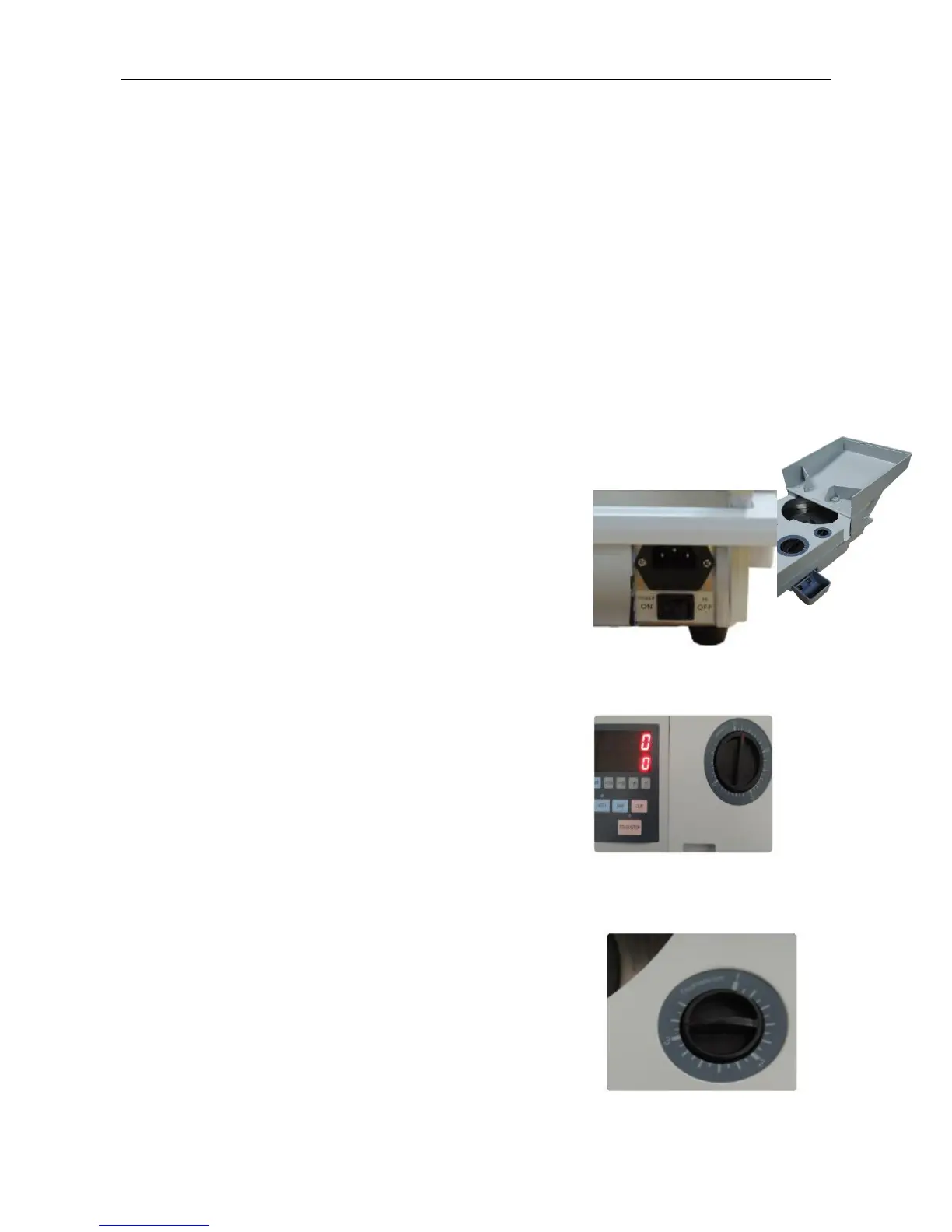
Step 1: Open the hopper cover and
support it with left and right support
bracket as per the picture 5.1-1.
Pic. 5.1-1
Step 2: Turn on the power switch, the
machine LED display will show “0”. Now it
is in general counting mode.
Pic. 5.1-2
Step 3:
Set the diameter adjusting knob according
to the counting coin’s diameter size in millimeters
as per picture 5.1-3.
Pic. 5.1-3
Step 4: Set the thickness adjusting knob according to
the counting coin’s thickness size in millimeters as
per picture 5.1-4.
Pic. 5.1-4



 To Next Page