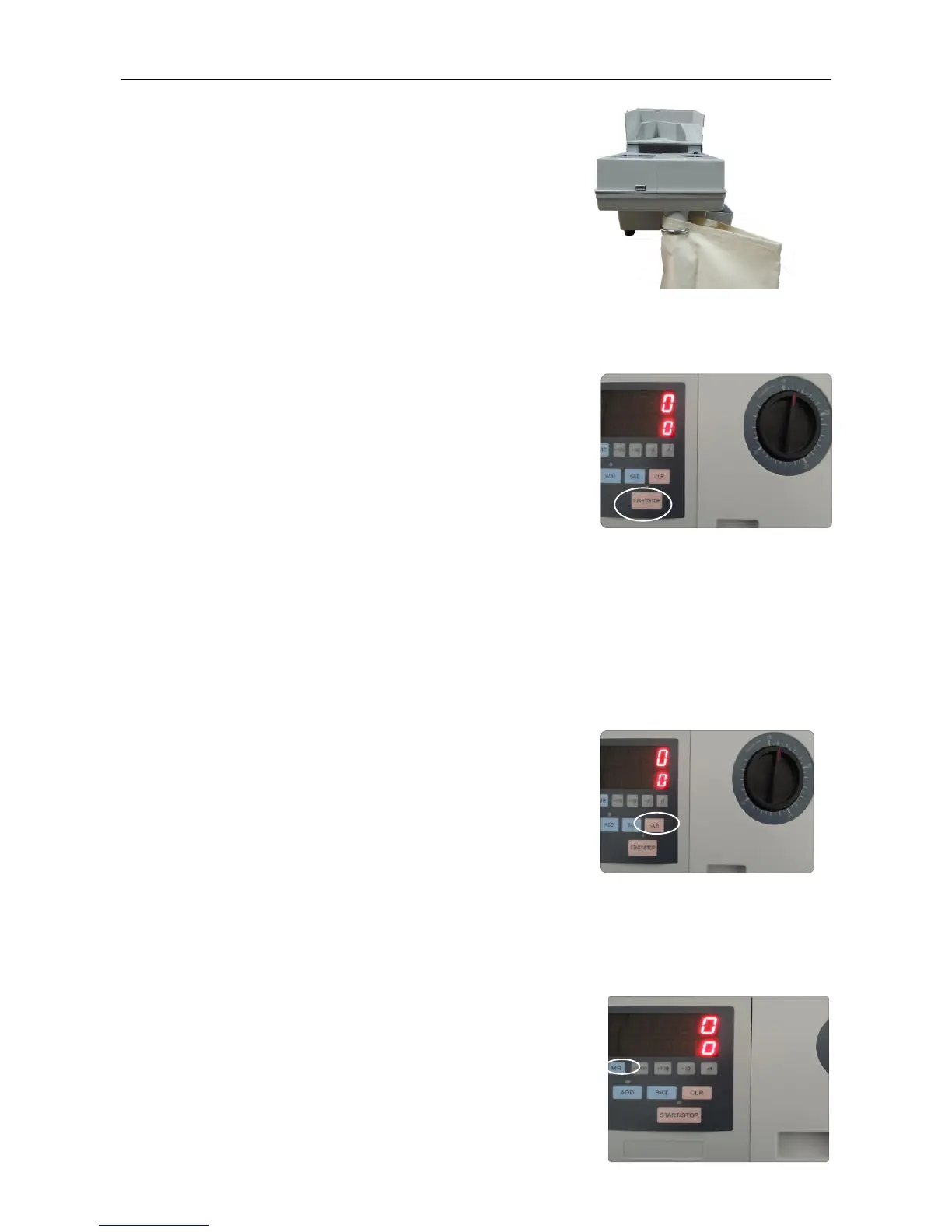
Step 5: Fix one piece of cotton bag on the coin outlet
and also install the rejected coin box on the right
side as per picture 5.1-5.
Pic. 5.1-5
Step 6: Put the coins on the hopper cover, then press
START/STOP key to count,the machine will stop
automatically after counting all coins.
Pic. 5.1-6
Step 7: If needs to stop counting during the counting process, you can press
START/STOP key, then the machine will stop. If you need to restart to count,
then press START/STOP key again to continue.
Step 8: After counting, if press CLR key, it will clear
the counting result which shows on the LED display.
Pic. 5.1-7
5.2 Accumulative counting mode
Press ADD key,
it will turn ON/OFF Accumulative
counting mode. When the function is on, the red indicator on the
upper side will be lighted on. It means each time the machine
counts, its previous result will be added to current counting
result.



 To Next Page