43
42
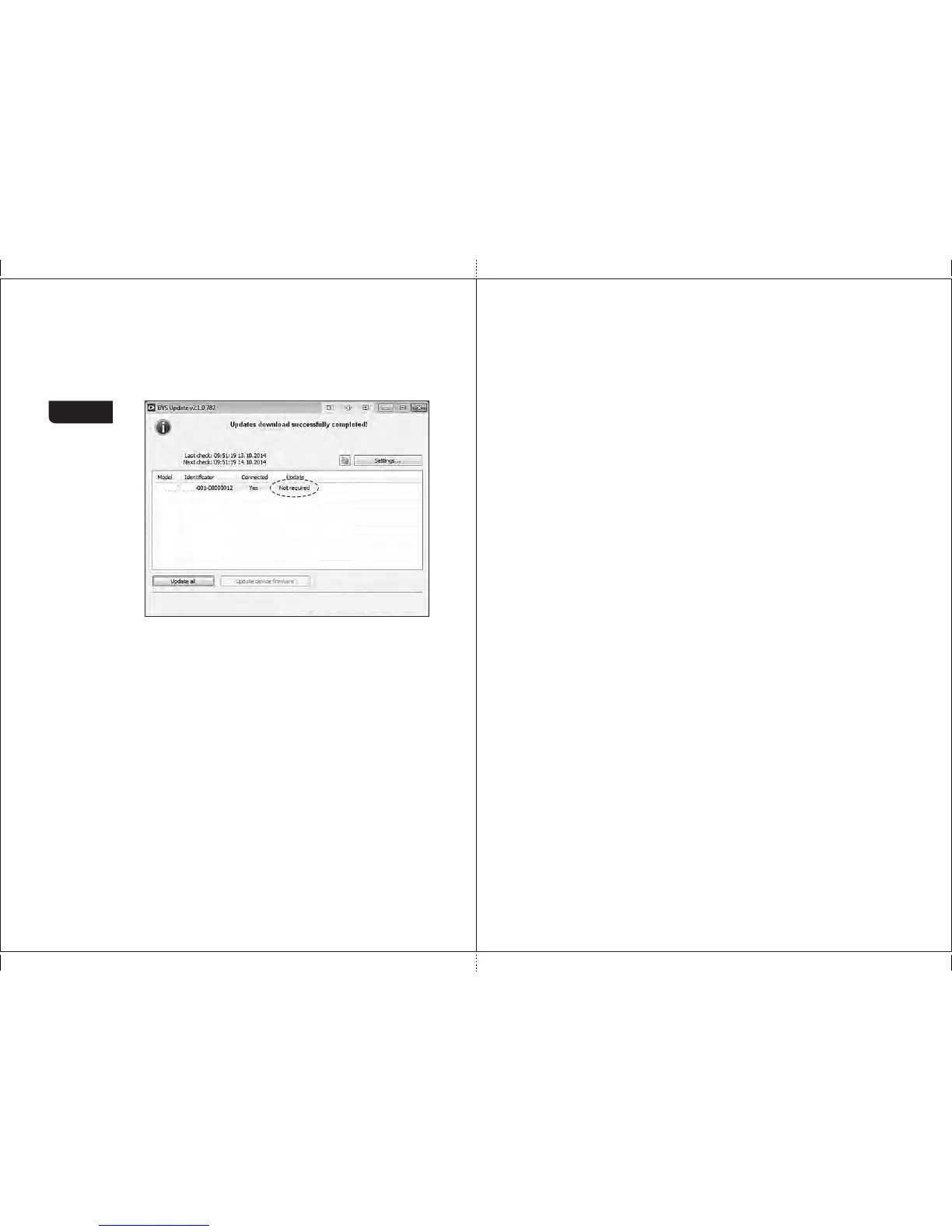
5 Wait till the «Updates download successfully completed!» message
appears in the program window, the counter is started its self-testing
( s e e
article 2 of subsection «Operation»). Then the application requests
the update server again and shows the message «not required» in the
Figure 56
6 Close the application «BVS Update».
7 Wait till self-testing is over, and switch off the counter.
8 Disconnect the USB cable.
9 Switch on the counter again, wait till self-testing is over, and the updated
machine is ready for operation.
MAGNER PRB VALUE COUNTERMAGNER PRB VALUE COUNTER
MPRB MPRB
EBKM.COM



 To Previous Page