4
B. Using Your Camera
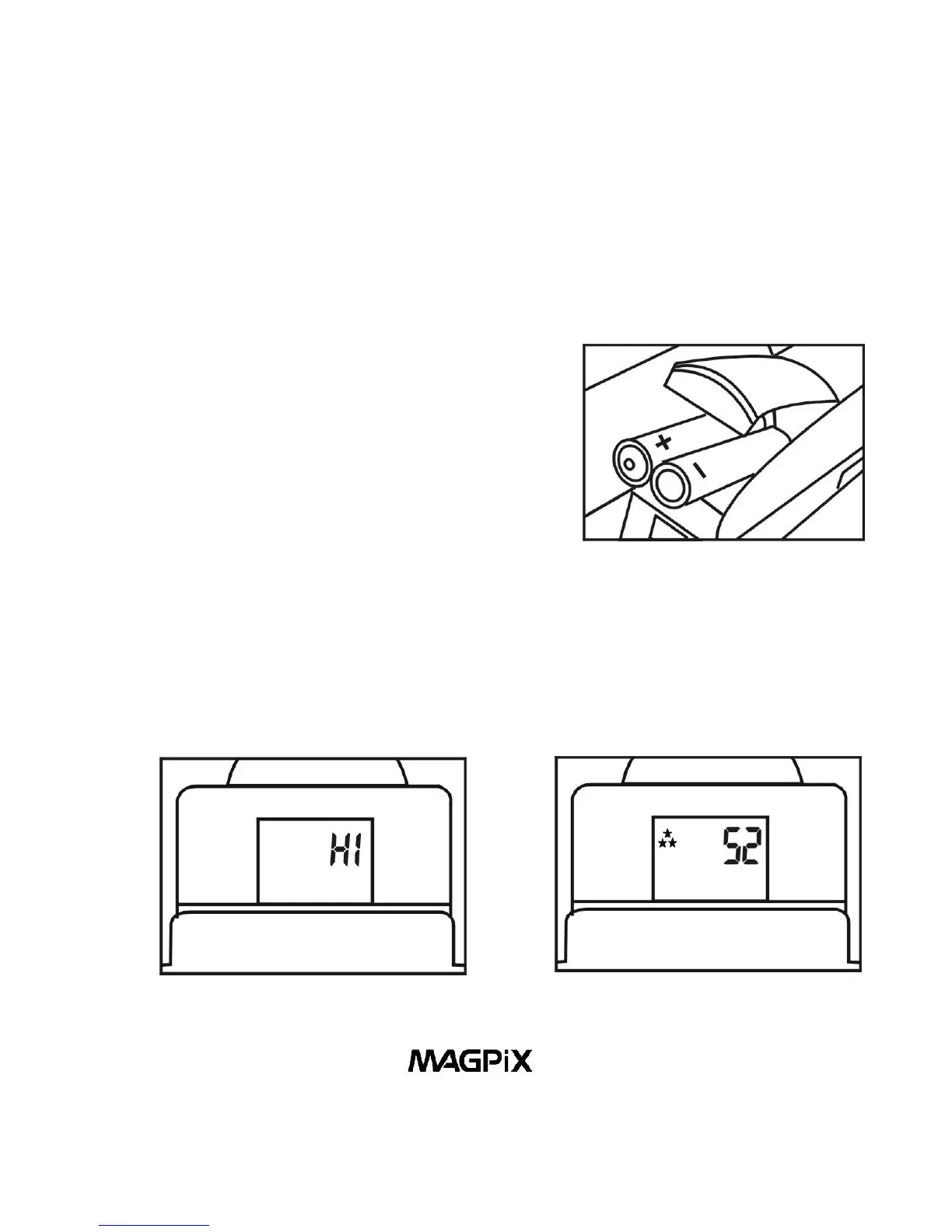
1. Load The Batteries. Open the Battery Compartment (16)
and insert two AAA batteries (included), paying attention to
insert them in the correct direction. Close the compartment.
Always download your pictures
regularly (see Part E), if the
batteries run out, your pictures will
be lost. A flashing LCD indicates
the batteries are low. You should
download your pictures as soon as
possible. Figure 5. Loading The Batteries
2. Turn On Your Digital Camera. Press Power/Mode Button
(10) to turn on the camera. The preset mode of high resolution
(HI) allows 52 VGA images and is indicated by a 3-star symbol
on the LCD Display (13).
Figure 6. High Resolution Figure 7. Pictures Remaining



 To Next Page