7
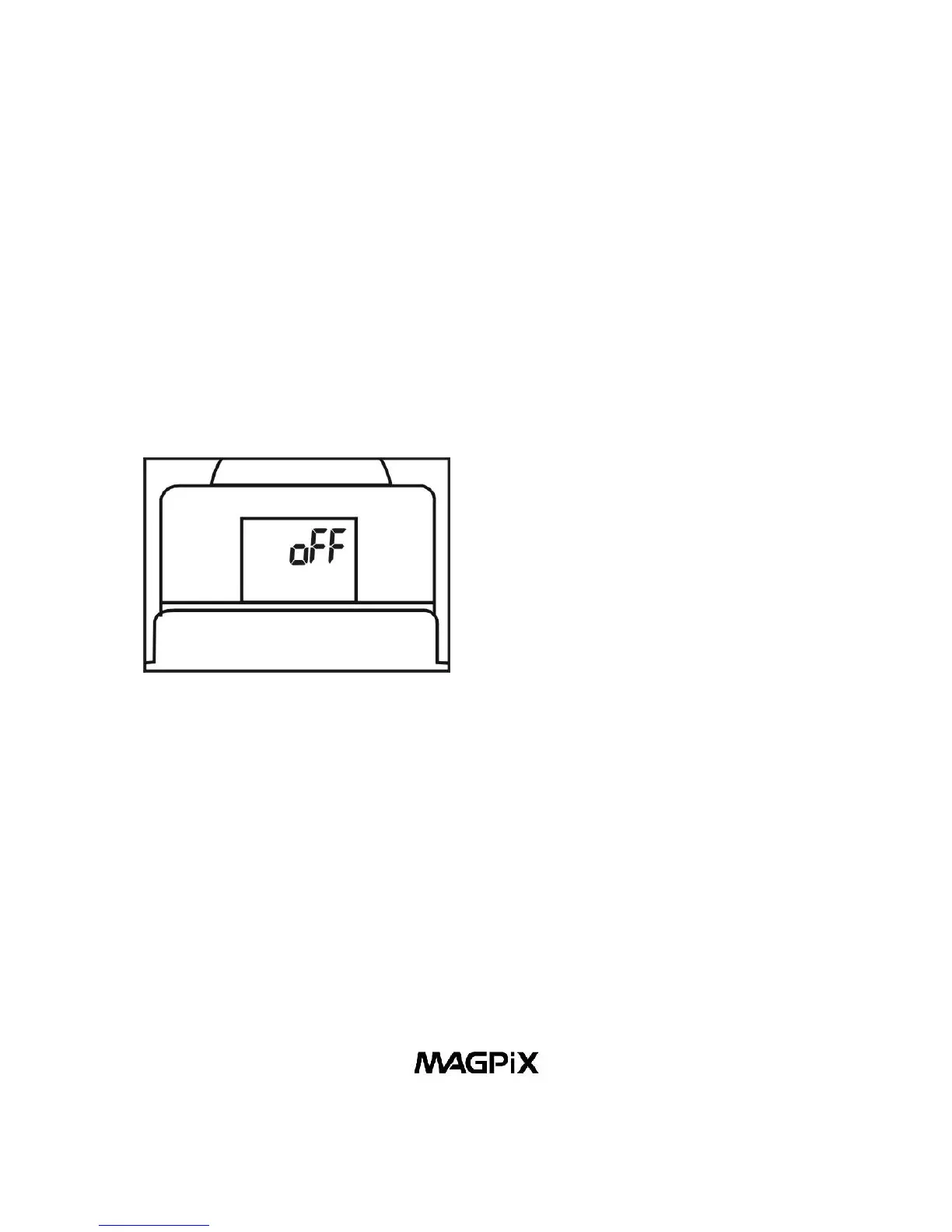
1. Off Mode
When the camera is turned on, pressing the Power/Mode
Button (10) once, will cause “oFF” to show on the LCD Display
(13). Then press the Shutter/ Select Button (8) and the camera
will turn off.
Figure 11. Off Mode
2. Self-Timer Mode
When the camera is turned on, pressing the Power/Mode
Button (10) two times, waiting one second between each
press of the button - will put the camera in the Self-Timer
Mode. When you see the timer icon, press the Shutter/Select
Button (8) to activate the self-timer. The camera will beep for
10 seconds before taking the picture automatically. When LCD
Display (13) no longer shows “- - -“, the camera is ready to
take another picture.



 To Next Page