9
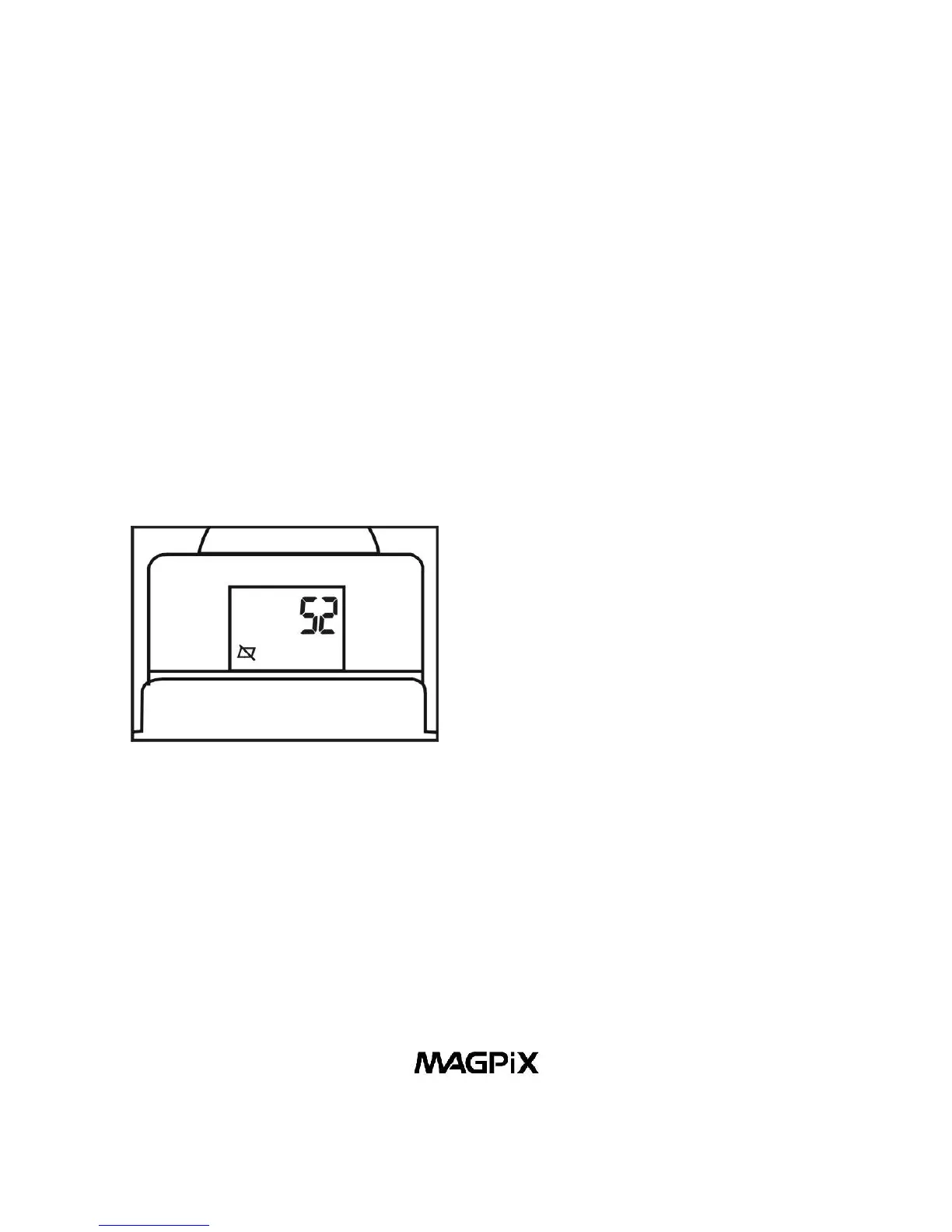
4. Erase Last Picture
When the camera is turned on, by pressing the Power/Mode
Button (10) four times, waiting one second between each
press of the button - will put the camera in Erase Last
Pictures Mode. When you see the Erase Last Pictures icon,
press the Shutter/Select Button (8) to erase the last picture.
The number of available pictures on the LCD Display (13) will
be increased by one.
Figure 15. Erase Last Picture



 To Next Page