8
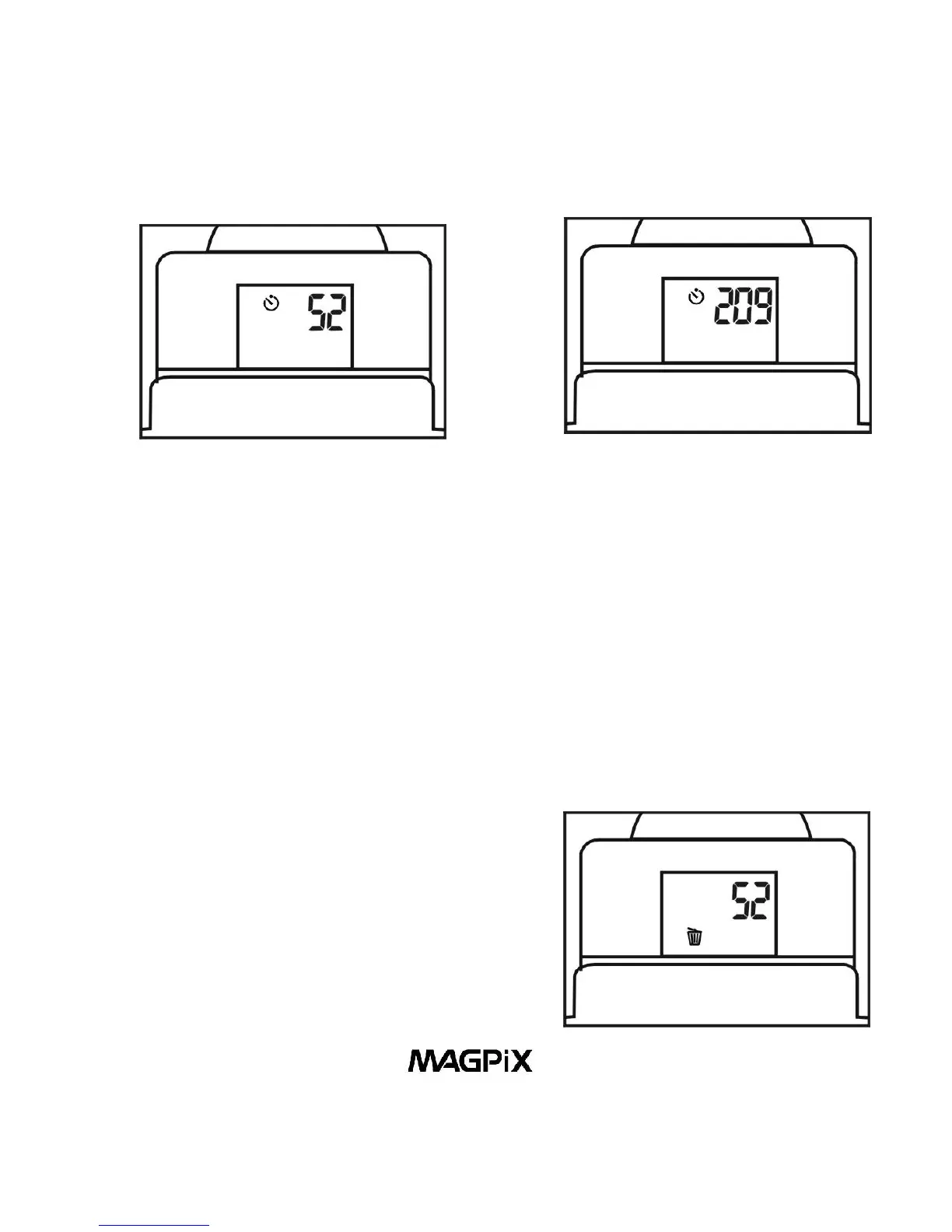
Figure 12. High Resolution + Self-timer Figure 13. Low Resolution +
Self-timer
3. Erase All Pictures
When the camera is turned on, pressing the Power/Mode
Button (10) three times, waiting one second between each
press of the button - will put the camera in Erase All Pictures
Mode. When you see the Erase All Pictures icon, press the
Shutter/Select Button (8) and the LCD will begin to blink. While
the LCD is blinking press the Shutter/Select Button (8) again,
and the camera will erase all pictures that have been taken.
Figure 14. Erase All Pictures



 To Next Page